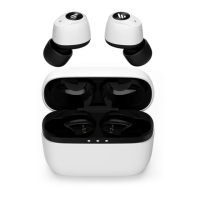
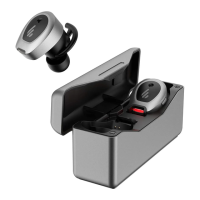
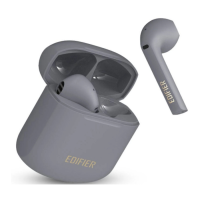
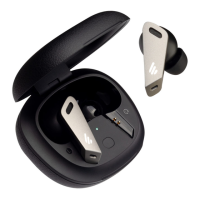
Indicator
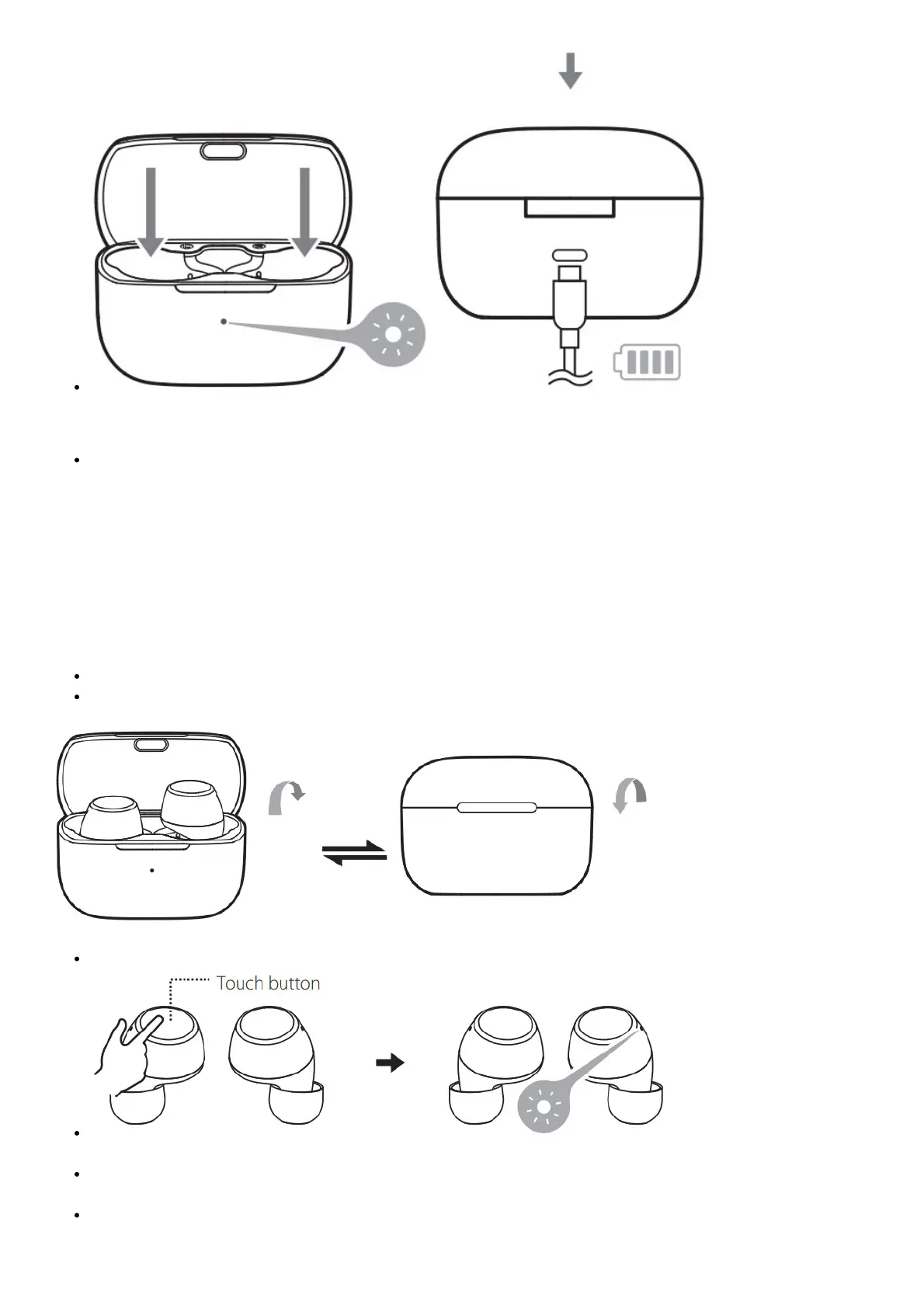
When the charging case is opened/closed, the indicator will show the case’s battery level;
if the indicator flashes three times slowly: high battery level; if the indicator flashes twice slowly: medium battery
level;
if the indicator flashes once slowly: low battery level;
if the indicator flashes three times rapidly: excessively low battery level, please charge the case in time.
Input: 5V= 60mA(earbuds)
5V 1.5A=(charging case)
Warning: The rechargeable batteries that provide power for this product must be disposed of properly for recycling.
Do not dispose of batteries in fire to prevent an explosion.
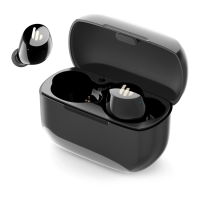
Power on when taken out of the charging case.
Power off when placed in the charging case.
Bluetooth connection
For initial connection, the
earbuds will auto-enter the pairing mode after being taken out;
When connected to other mobile phones, take the earbuds out and press and hold the touch button of the left
or right earbud for around 2-3 seconds to enter Bluetooth pairing
Bluetooth pairing: red and blue lights flash rapidly



 To Next Page