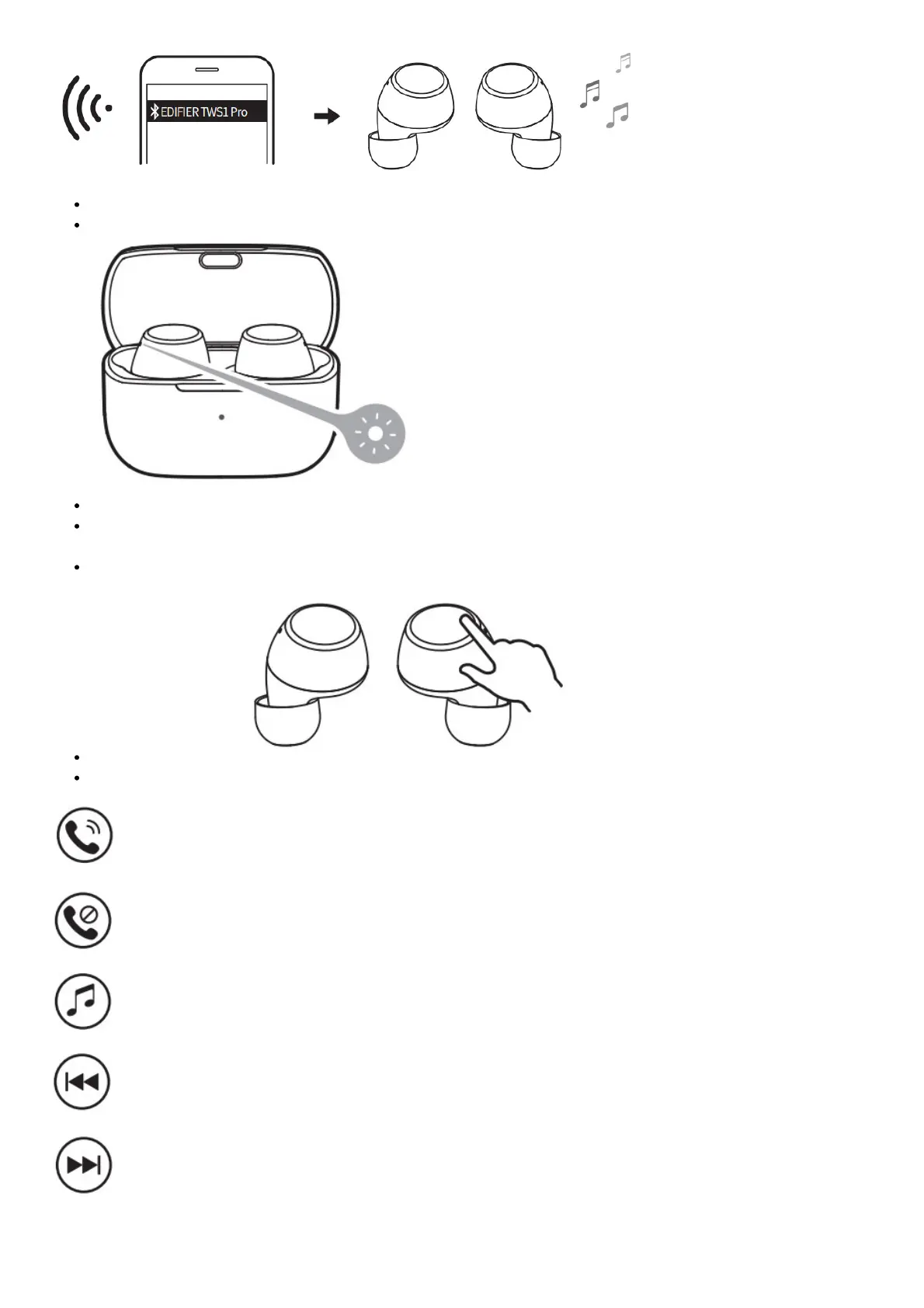
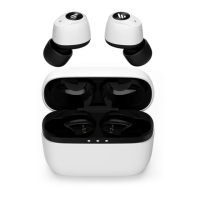
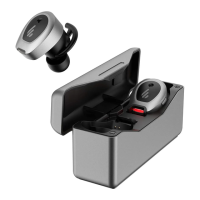
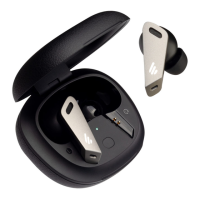
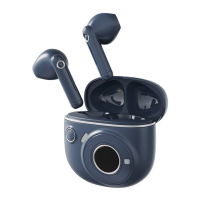
Search for and connect to “EDIFIER TWS1 Pro”, after pairing is successful, the blue light will flash slowly.
TWS pairing of the left and right earbuds
The left and right earbuds have finished TWS pairing before leaving the factory.
When the earbuds are in the charging case, respectively click the touch buttons of the left and right earbuds five
times to enter TWS pairing mode, the blue light will flash rapidly.
After pairing is done, the blue light will flash rapidly, and then the red light will be steady lit. Clear pairing
records
Clear pairing records
Functional operation
Accept a call: single-click the left or right earbud
Decline/end a call: press and hold the left or right earbud
Pause/Play: single-click the left or right earbud
Previous track: double click the left earbud
Next track: double click the right earbud


 To Next Page