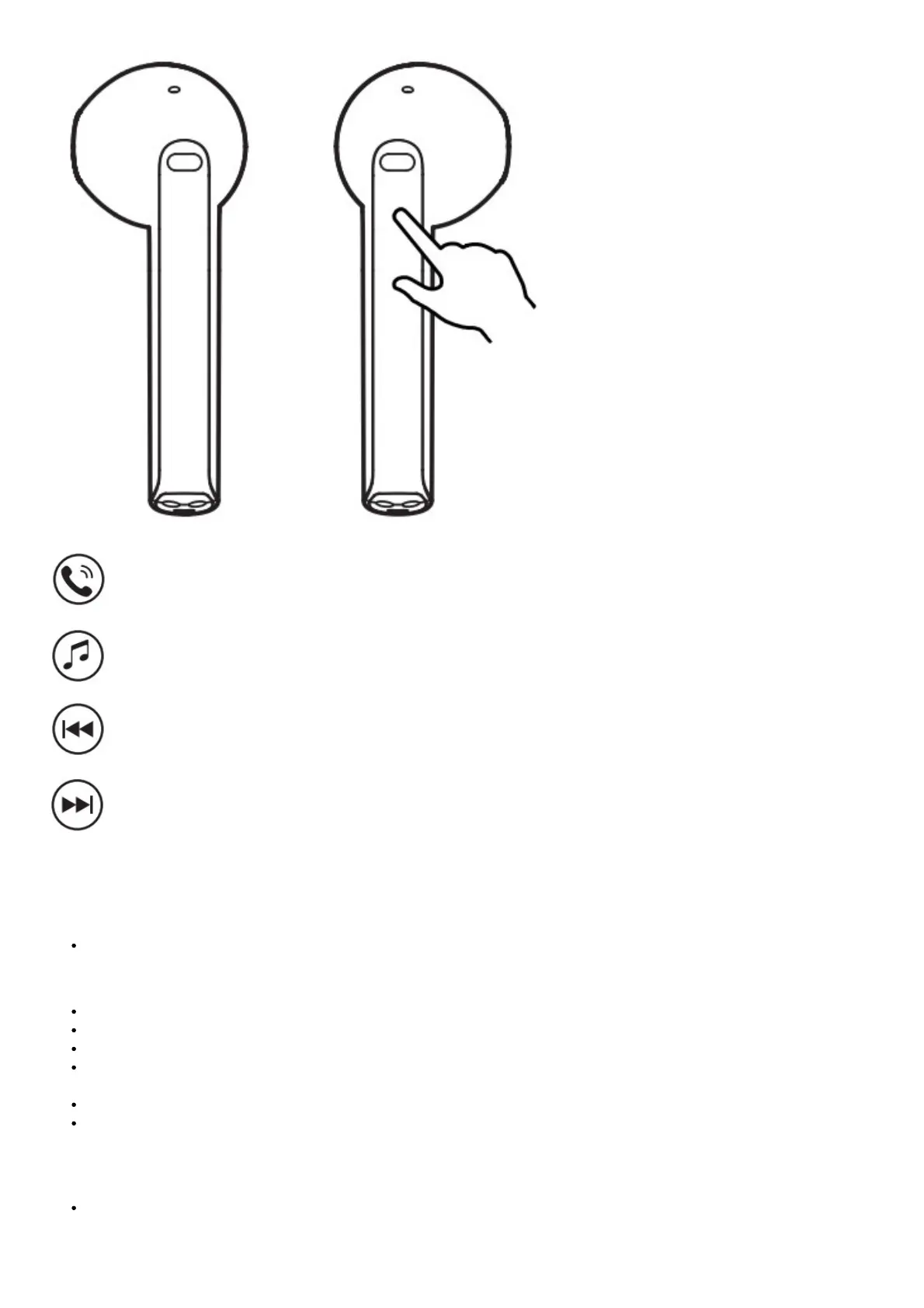
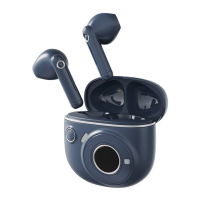
Accept/end a call: double click the left or right earbud
Pause/Play: double click the left or right earbud
Previous track: triple-click the left earbud
Next track: triple-click the right earbud
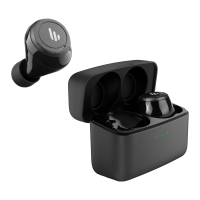
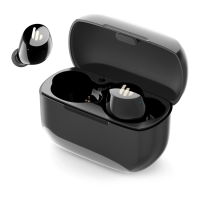
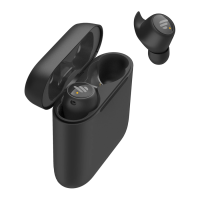
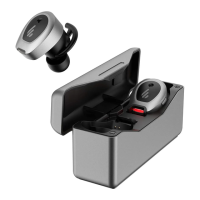
Note: Images are for illustrative purposes only and may differ from the actual product.
FAQs
When charging the charging case, the indicator is off.
Please ensure the charging case is correctly connected with the power source.
No sound
Check if the earbuds are operating.
Check if the earbud’s volume is at an appropriate level.
Check if the earbuds are correctly connected to the mobile phone.
Check if the earbuds are operating within a normal working range.
The call quality of the earbuds is not good.
Check if the mobile phone is in an area with a strong signal.
Please ensure the earbuds are within an effective distance (10m) and no
obstacle between the earbuds and mobile phone.
When playing music, cannot control pause/play/previous track/next track via the earbuds.
Please ensure the paired device support AVRCP (Audio Video Remote
Control Profile) profile.


 To Next Page