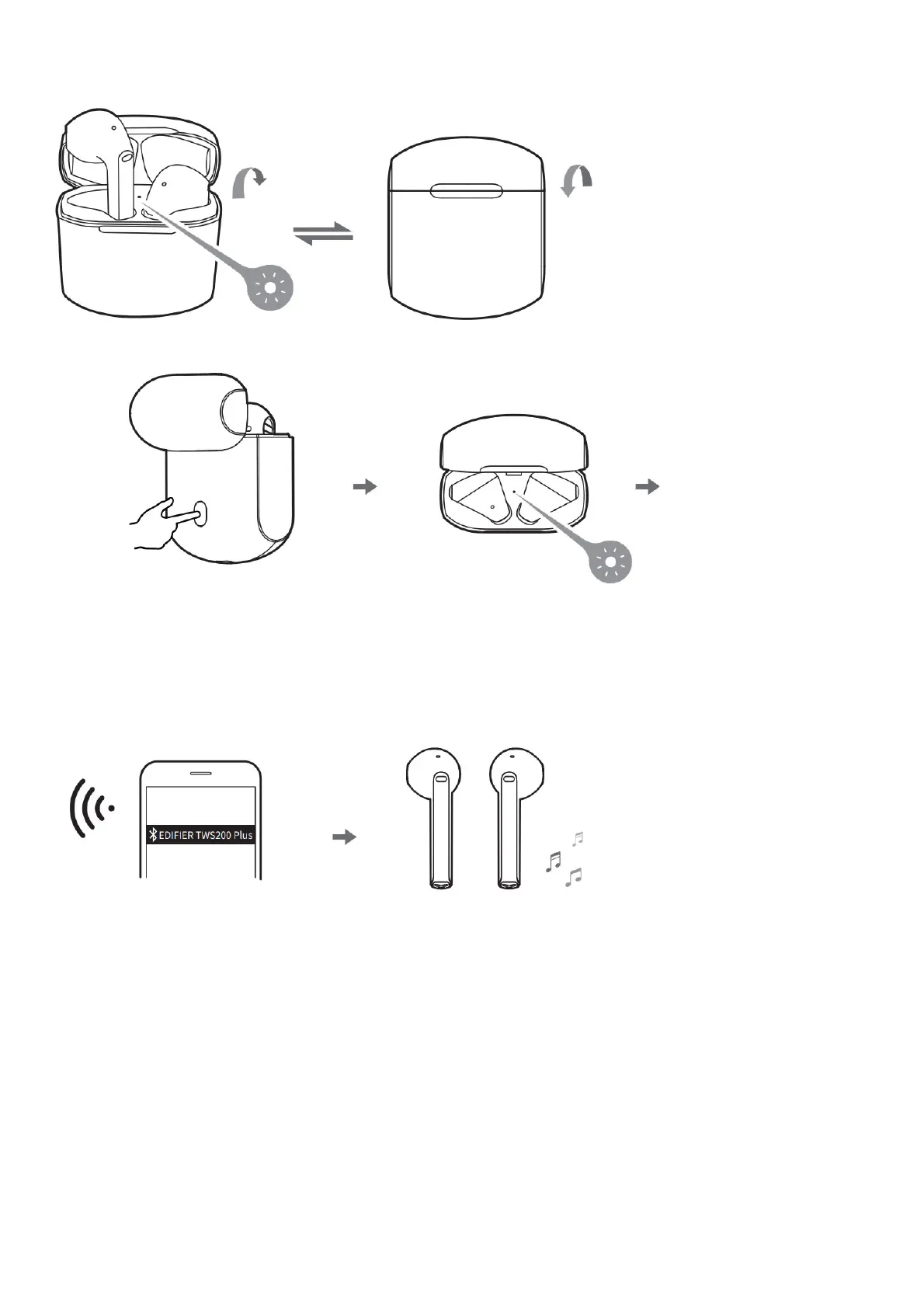
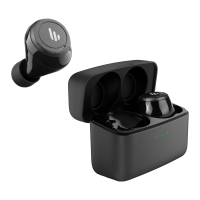
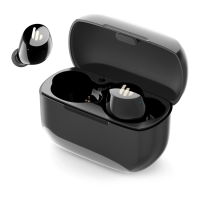
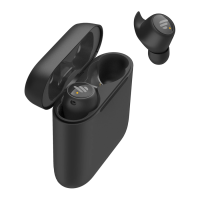
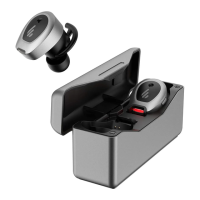
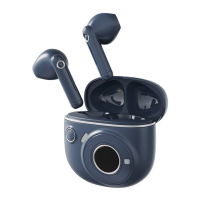
● Power on when the
case is opened.
White light is lit for 1 seconds
● Power oFF when the
case is closed.
• Place the earbuds in the case, and double click the pairing button to enter Bluetooth
pairing.
• Bluetooth pairing: red and white lights
flash rapidly
● Pairing
• When not connected with any Bluetooth
device, place the earbuds in the case,
and press and hold the pairing button for
around 10 seconds and release until the
white light flashes rapidly, so as to enter
TWS pairing mode and clear pairing
records.
• TWS pairing: white light flashes
rapidly When successful, white light is lit for 1 second, and then the red
and while lights flash rapidly.
Search for and connect to “EDIFIER TWS200 Plus”, after pairing is successful, the white light of the charging case will flash twice
per 5 seconds.
Functional operation


 To Next Page