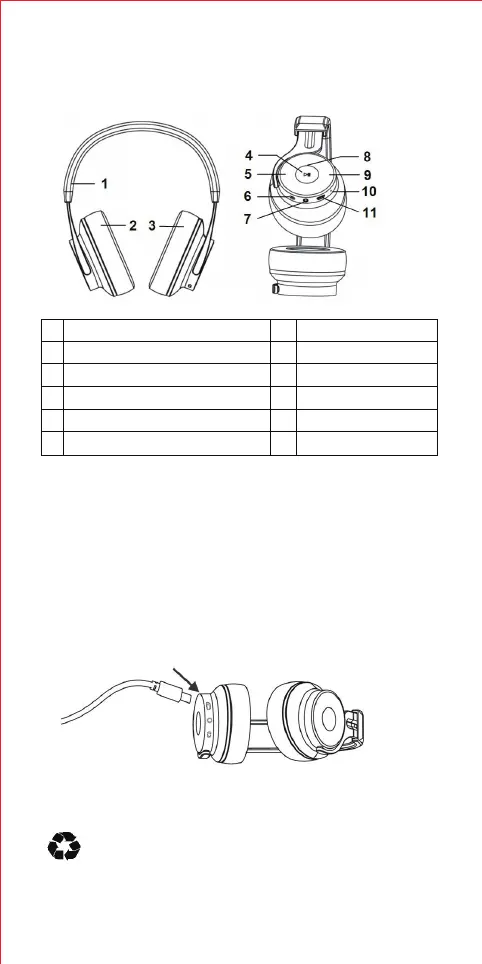
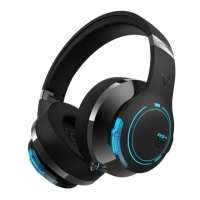
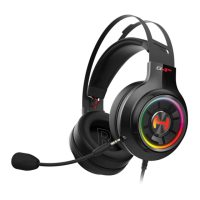
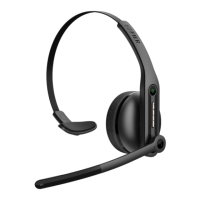
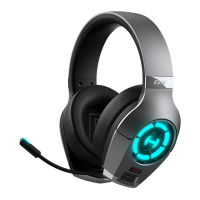
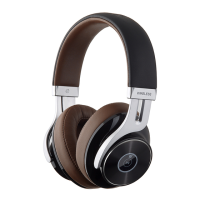
Illustration
Charging
The headphone build in a rechargeable battery, it needs fully charged at first
time use. If only red indicator blinks and has warning tone per 5 minutes,
it shows the headphone battery is in low level and you need to charge it.
1. Connect micro USB charging port on the headphone to USB power
source socket with USB charging cable included.
Red indicator steady light: charging
Red indicator off: fully charged
1
2
3
4
5
6
Adjustable headband
Left speaker
Right speaker
MFB buttons/NFC area
Volume decrease
Switch: ON/OFF/Pair
7
8
9
10
11
AUX-in input port
Status indicator
Volume increase
Microphone
Charging port
2. Charging time: it takes about 3 hours for battery fully charged.
Warning:
1. Rechargeable batteries of this product must be properly
disposed for recycling.
2. Do not put the battery into a fire, to avoid an explosion.
Operational introduction
2


 To Next Page