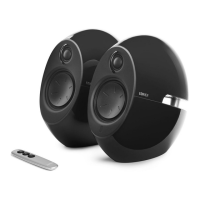
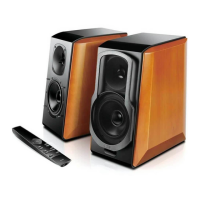
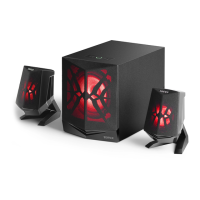
Product Description and Accessories
3
English
Audio cable
• Indicator light:
Blue: Bluetooth input Green: AUX / Line in input
Press: volume up
Press and hold the "+" and "-" buttons
simultaneously to change lighting effects
Press: input mode selector
Press and hold: power on/standby
Press: volume down
Press and hold: disconnect
Bluetooth and enter pairing mode
Bass adjustment
Line in input
AUX input
Left speaker output
Right speaker output


 To Next Page