3
The following demonstrates the plug-and-play installation on Windows 10:
II-1. Insert the Adapter
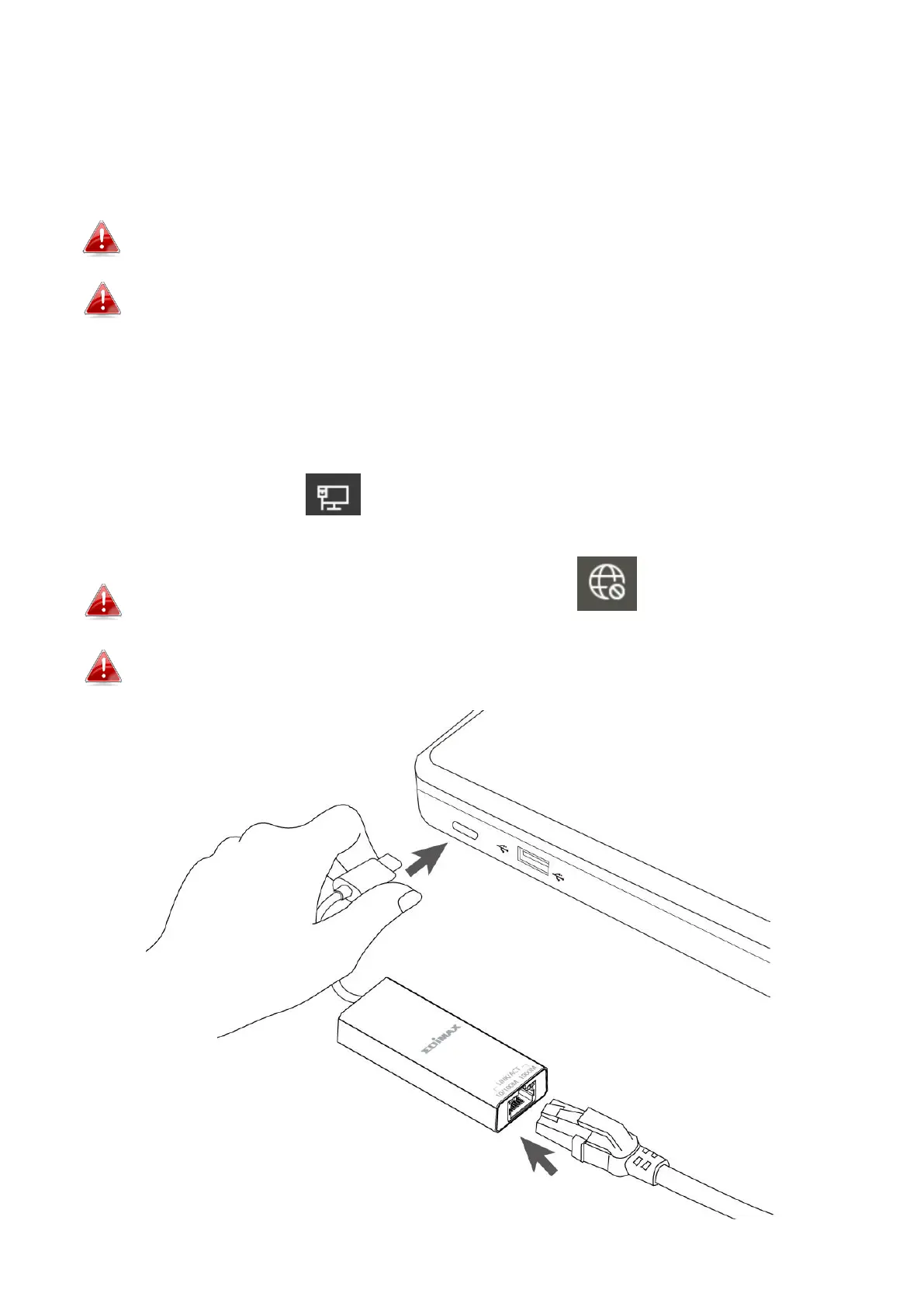
Insert the adapter into the USB Type-C port on your computer.
Please wait for 10 seconds after plugging in.
Never use force to insert the adapter. USB 3.2 port is recommended
for the best performance.
II-2. Connect to the Network
Plug the RJ45 Ethernet cable to the adapter, if the Plug-and-Play is supported
“Network connected” icon will be displayed on the Windows taskbar.
The network connection is ready.
If you still see the “Network disconnected” icon, please check
your internet connection.
If your device doesn’t support Plug-and-Play, please go to section III, to
download and install the driver.



 To Next Page