EasyManua.ls Logo

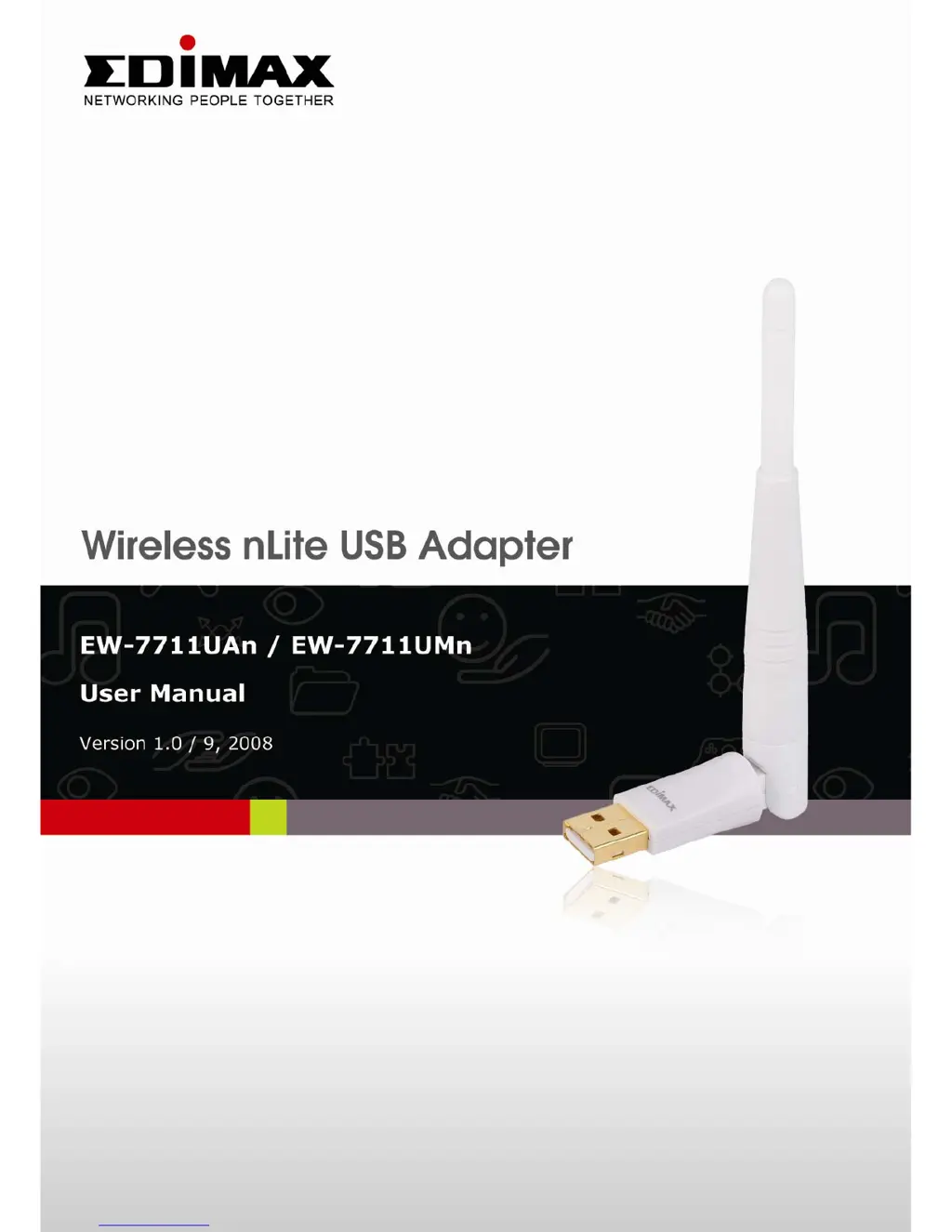
Edimax EW-7711UAn - User Manual

Edimax EW-7711UAn
79 pages
Print Icon
To Next Page IconTo Next Page
Loading...

Other manuals for Edimax EW-7711UAn

Questions and Answers

  • M
    michelledavisAug 10, 2025
    What to do if I can not establish connection with a certain wireless access point using Edimax EW-7711UAn?
    • D
      Darren RamosAug 10, 2025
      If you can't establish a connection with a certain wireless access point using your Edimax Adapter, try the following: First, click 'Connect' a few more times. If the SSID of the access point is hidden, you'll need to manually enter the correct SSID. Also, ensure you're using the correct security key if the access point has encryption enabled. Finally, the access point might be configured to only allow connections from network cards with specific MAC addresses.
  • D
    Dean FisherAug 17, 2025
    How to fix Edimax EW-7711UAn when it can’t find any wireless access point in ‘Site Survey’?
    • T
      Tyler PhillipsAug 17, 2025
      If you can’t find any wireless access points or wireless devices in the ‘Site Survey’ function of your Edimax Adapter, try these steps: Click ‘Rescan’ a few more times to see if any networks appear. Move closer to any known wireless access points. Ensure that the ‘Ad hoc’ function is enabled for any wireless device you're trying to connect to directly. Also, adjust the position of your network card (or move your computer if you're using a notebook) and click ‘Rescan’ again. If this helps you find the network, try to stay closer to the wireless access point or device.
  • R
    Richard CameronAug 26, 2025
    Why is my Edimax Adapter network slow when transferring large files?
    • D
      Destiny LozanoAug 26, 2025
      If the Edimax Adapter network is slow or you're having trouble transferring large files, try these steps: First, move closer to the access point. If that doesn't help, disable 'Tx Burst' in the 'Advanced' tab. If you need to use multimedia or telephony applications, enable 'WMM' in the 'QoS' tab. Also, disable 'WMM – Power Save Enable' in the 'QoS' tab. Finally, the issue might be due to too many users on the same radio channel, so ask the access point owner to change the channel number.
  • J
    Jessica HessSep 2, 2025
    Why nothing happens when I click ‘Launch Config Utility’ for Edimax EW-7711UAn?
    • C
      collieranaSep 3, 2025
      If nothing happens when you click ‘Launch Config Utility’ for your Edimax Adapter, it could be due to a few reasons. First, ensure that the wireless network card is properly inserted into your computer’s USB port. If it is, try rebooting your computer and try again. You can also try removing the card and inserting it into a different USB port. If the problem persists, remove the driver and reinstall it. If none of these steps work, contact the dealer from whom you purchased the adapter for further assistance.

Edimax EW-7711UAn Specifications

General IconGeneral
ModelEW-7711UAn
CategoryAdapter
TypeWireless USB Adapter
Wireless StandardsIEEE 802.11b/g/n
Frequency Band2.4 GHz
Data RateUp to 150 Mbps
InterfaceUSB 2.0
SecurityWEP, WPA, WPA2
AntennaInternal antenna
Operating Systems SupportedLinux, Mac OS, Windows

Related product manuals