EasyManua.ls Logo

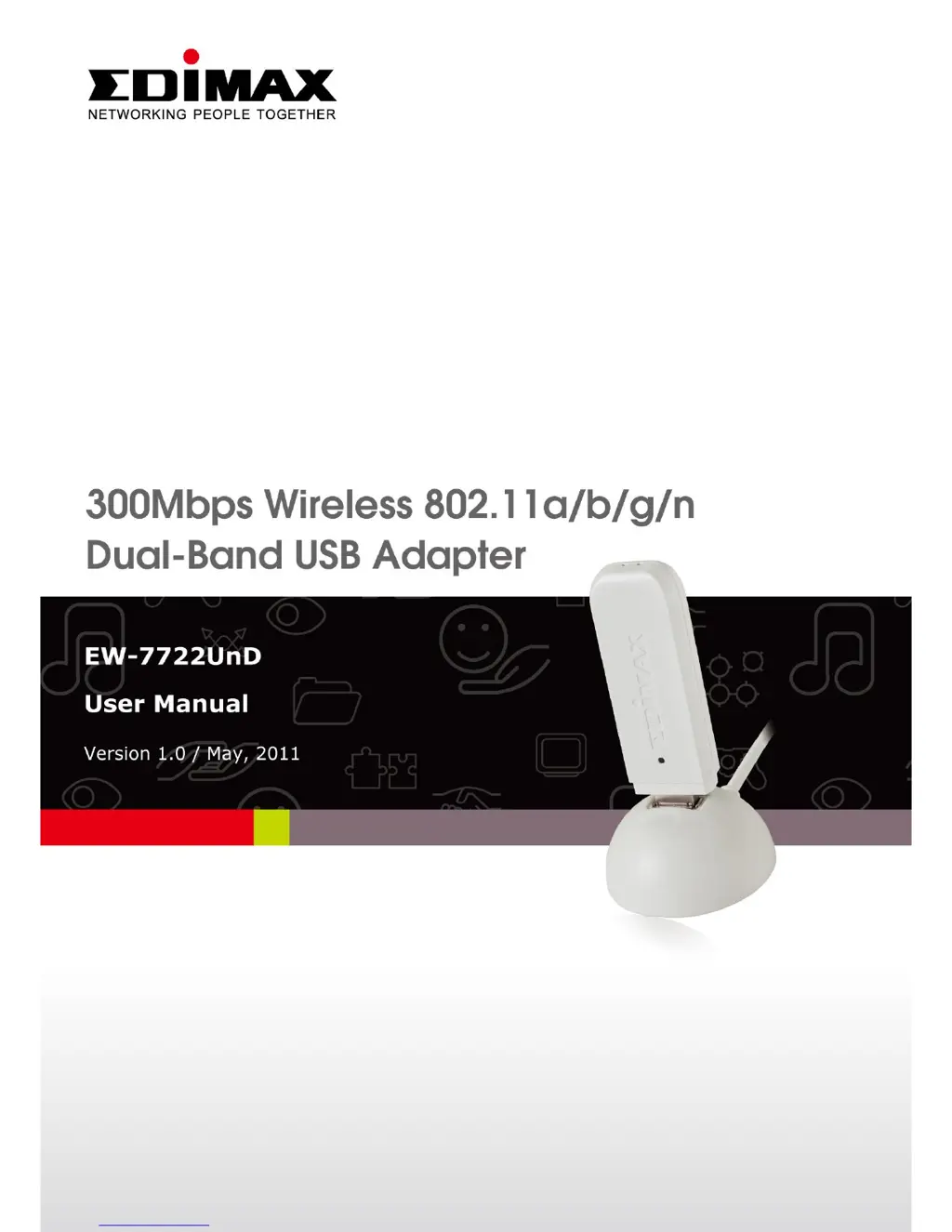
Edimax EW-7722UnD - User Manual

Edimax EW-7722UnD
80 pages
Print Icon
To Next Page IconTo Next Page
Loading...

Other manuals for Edimax EW-7722UnD

Questions and Answers

  • J
    Jason CamachoAug 10, 2025
    What to do if I can't establish a connection with a wireless access point using my Edimax EW-7722UnD?
    • D
      Dana BrownAug 11, 2025
      If you are unable to connect your Edimax Adapter to a wireless access point, try clicking 'Connect' a few more times. If the SSID is hidden (nothing displayed in the “SSID” field), you need to manually enter the correct SSID, which you can obtain from the access point owner. You also need to make sure you are using the correct security key. The access point might be configured to only allow connections from network cards with specific MAC addresses. In this case, provide your adapter's 'Phy_Address' (found in the 'About' tab) to the access point owner so they can add it to their access point's list.
  • M
    michaelsuarezAug 18, 2025
    How to find a wireless access point with Edimax EW-7722UnD?
    • O
      Olivia WagnerAug 19, 2025
      If you're having trouble finding a wireless access point or wireless device using the 'Site Survey' function on your Edimax Adapter, try these steps: Click 'Rescan' multiple times. Move closer to the wireless access point. Ensure that the 'Ad hoc' function is enabled for direct wireless links. Adjust the position of the network card, and click 'Rescan' again. If found by moving closer, try to stay closer to the wireless access point or device.
  • C
    Curtis LewisAug 26, 2025
    Why is my Edimax EW-7722UnD network slow when transferring large files?
    • A
      Andrew VegaAug 26, 2025
      If you're experiencing slow network speeds or issues when transferring large files using your Edimax Adapter, consider the following: Try moving closer to the access point. Also, disable 'Tx Burst' in the 'Advanced' tab and enable 'WMM' in the 'QoS' tab if you are using multimedia applications. Disabling 'WMM – Power Save Enable' in the 'QoS' tab may also help. The issue might also be due to too many users on the same radio channel; in that case, ask the access point owner to change the channel.
  • B
    Bryan GeorgeSep 2, 2025
    What to do if nothing happens when I click 'Launch Config Utility' for my Edimax EW-7722UnD Adapter?
    • P
      Pamela BellSep 2, 2025
      If nothing happens when you click 'Launch Config Utility' for your Edimax Adapter, it could be because the network card is not being detected by your computer. First, ensure that the wireless network card is properly inserted into your computer's USB port. If it is, try rebooting your computer and try again. You can also try removing the card and inserting it into a different USB port. If the issue persists, remove the driver and reinstall it.

Summary

Product Information

1-2 Safety Information

Details critical safety precautions to prevent injury and product damage.

Driver Installation and Configuration

2-1 Network Card Installation

Step-by-step guide on physically installing the wireless network adapter into the computer.

2-2 Connect to Wireless Access Point

Instructions on how to establish a wireless connection to an access point.

2-3 Profile Management

Guides users on saving and managing network connection settings for easy access.

2-7 WPS Configuration

Explains how to use WPS for simplified and secure wireless network setup.

Soft-AP Function

3-1 Switch to AP Mode and Basic Configuration

Instructions on switching the device to Access Point mode and initial setup.

Appendix

4-2 Troubleshooting

Offers solutions to common problems encountered during product use.

Edimax EW-7722UnD Specifications

General IconGeneral
Wireless StandardsIEEE 802.11b/g/n
Frequency Band2.4 GHz
InterfaceUSB 2.0
Data RateUp to 150 Mbps
SecurityWEP, WPA, WPA2
AntennaInternal
Operating Systems SupportedWindows, Mac OS, Linux
CategoryAdapter

Related product manuals