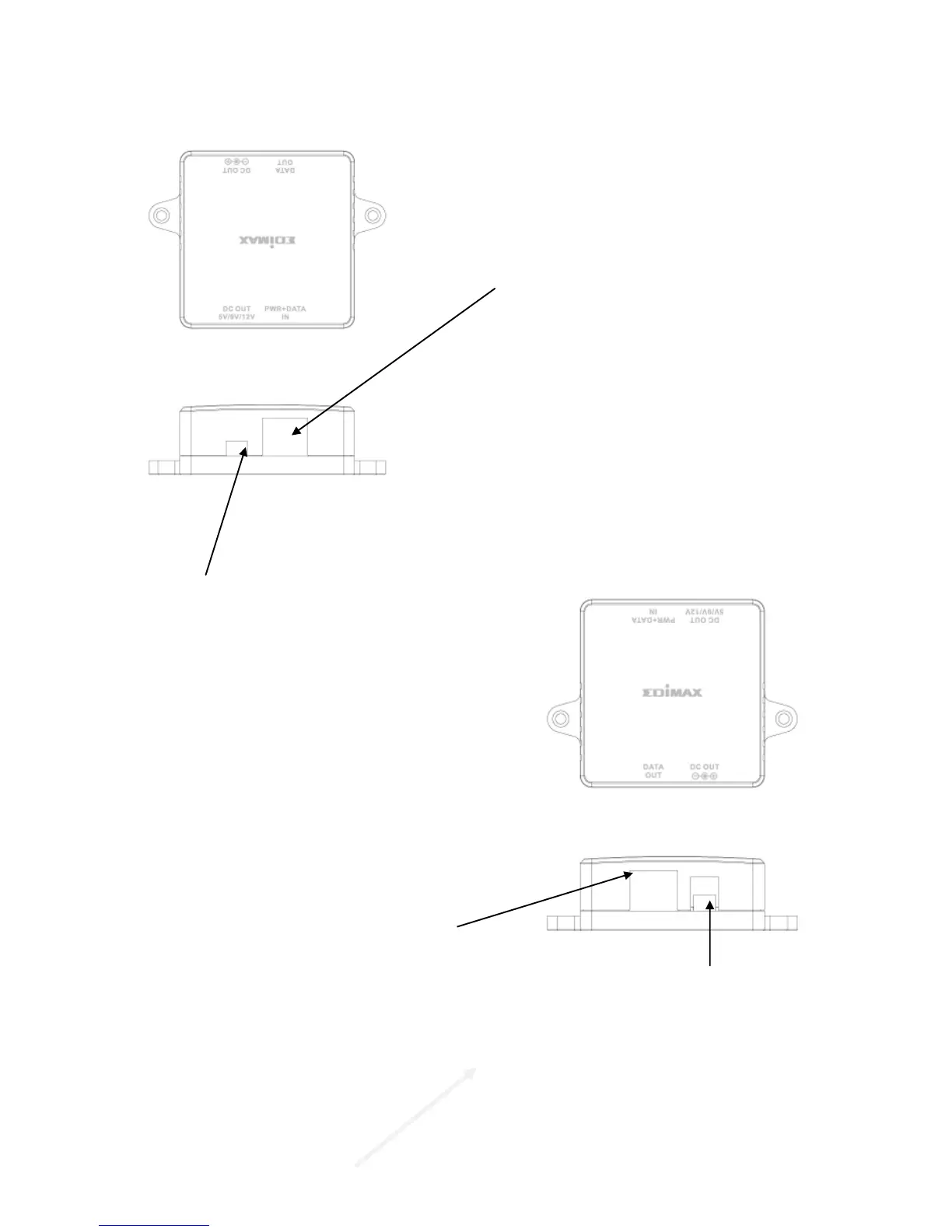
DC OUT 5V/9V/12V
You can choose the DC output of 5V,
9V or 12V by turning the switch to the
left or right.
▲ Please make sure that the output is
correct, a different voltage may
destroy the device.
DATA OUT: Connect to the Ethernet
device with CAT5 UTP cable to
transmit data.
Identifying External Components
POWER+DATA IN
Connect to the PSE or PoE
Injector with a CAT5 UTP cable.
DC OUT: Connect to the power port
of the Ethernet device with the
provided power cable to supply the
power of 5V, 9V or 12V DC



 To Next Page