CONFIG FILE UPLOAD TO MODULATOR
► Step 1
Remove plug from mains power supply
► Step 2
Connect the USB stick to the HDMI MODULATOR’s USB port
and re-connect the mains power supply
► Step 3
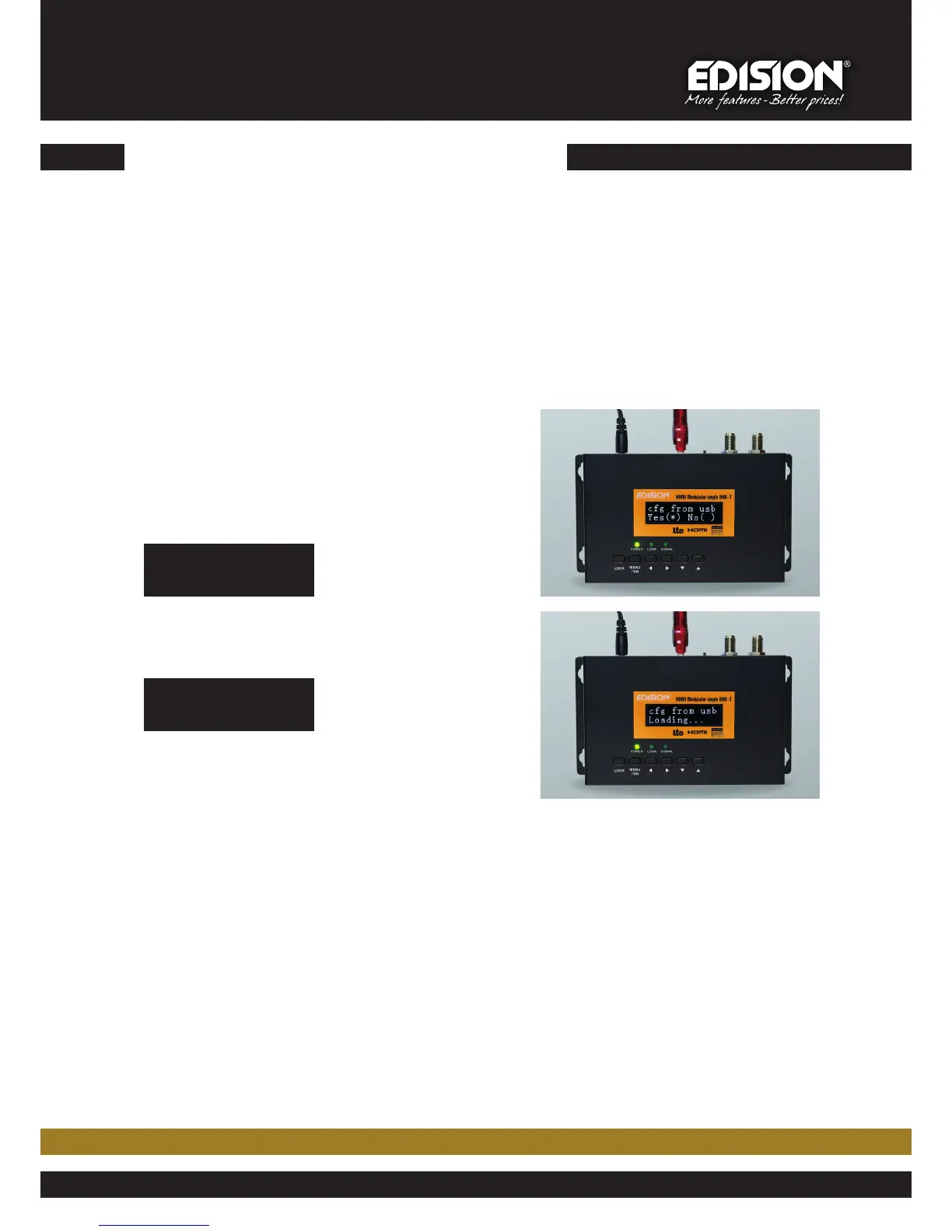
Display shows
cfg from usb
Yes (*) No ( )
Press button MENU/OK and
cfg from usb
Loading…
appears on screen
► Step 4
HDMI MODULATOR re-boot starts, with the new config file, as set by the user
www.edision.gr
3



 To Previous Page