Installation
1. Please refer to the Safety Instruction before powering on the device.
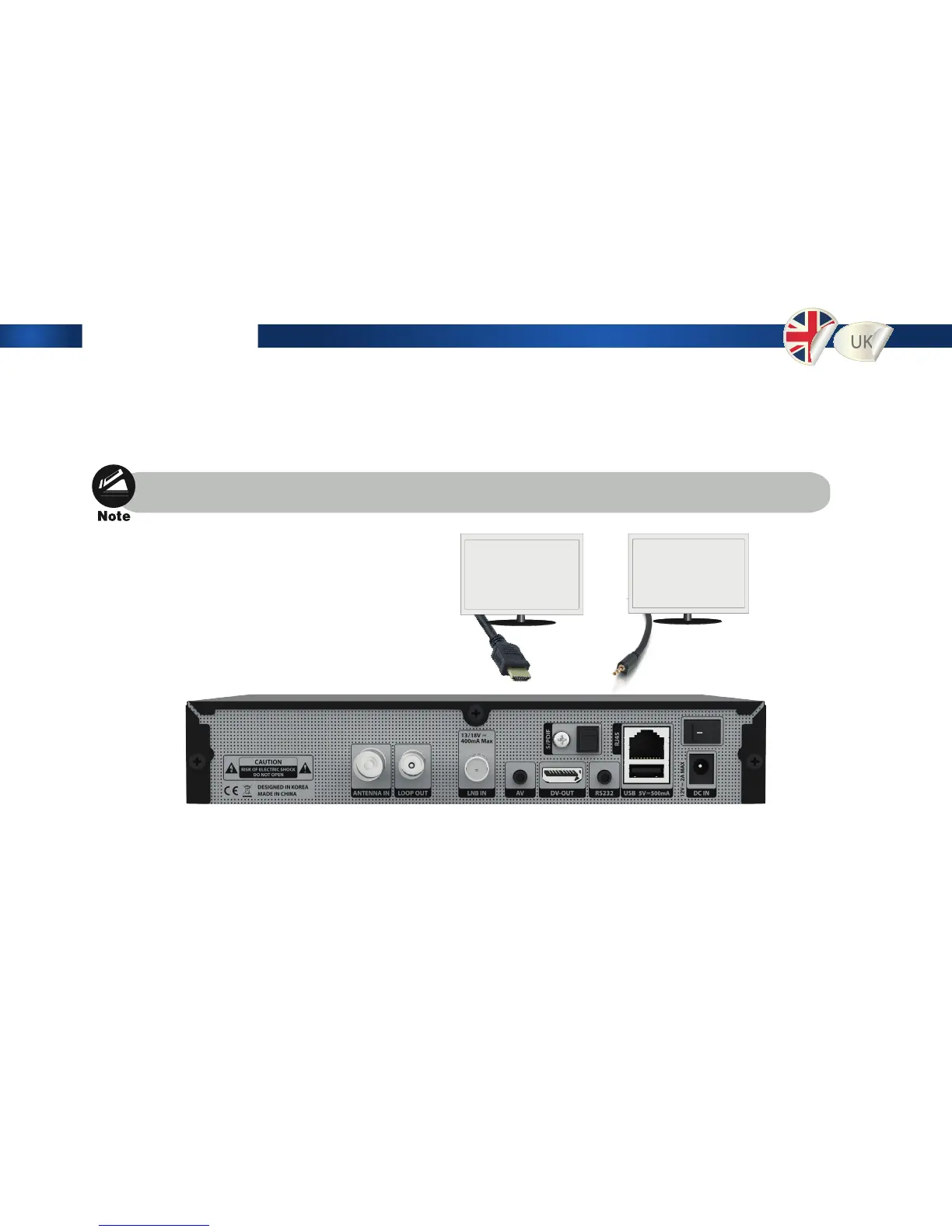
2. Connect Edision OS mini to your TV set using HDMI cable or a RCA cable.
3. Connect the coaxial cable (from the satellite dish) to the LNB INPUT of Edision OS mini,
alternatively the aerial cable of your cable network operator or of your DVB T Antenna to the Antenna In Input.
4. Power on the Edision OS mini.
5. After booting up, Initial setup menu comes up for the installation according to your TV settings and
Antenna settings.
Use an HDMI or Component cable in order to view HD.


 To Next Page