Version of 20 August 2019 7
►Description
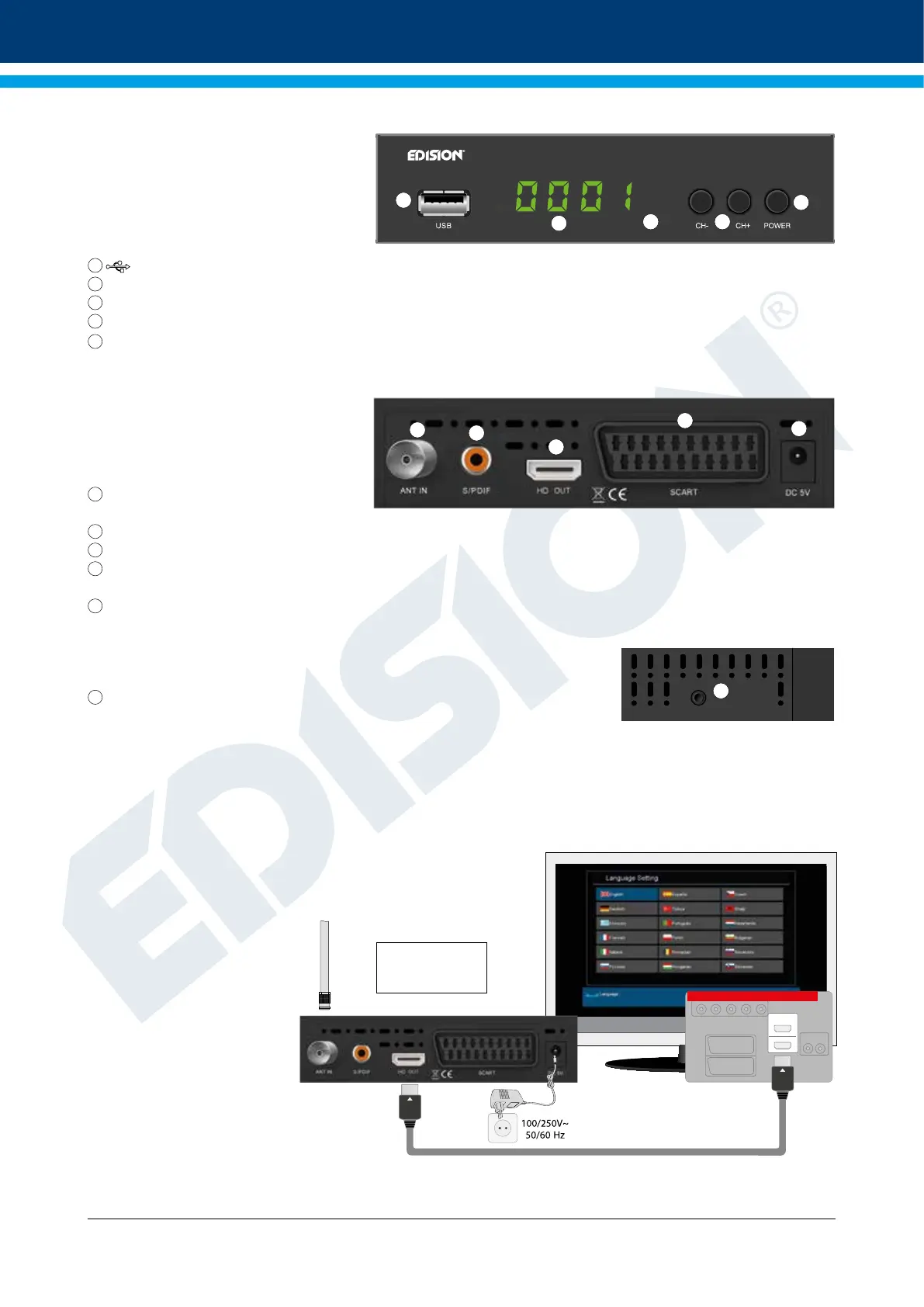
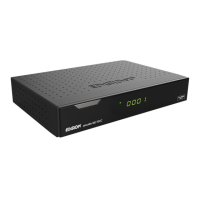
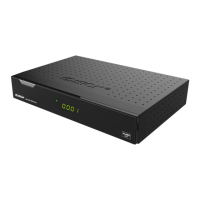
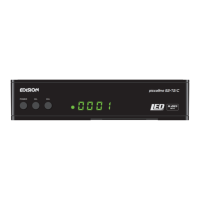
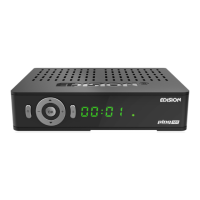
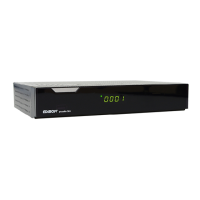
Front Panel
1
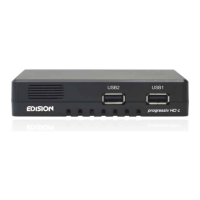
/ USB: Connection for USB storage devices
2
Display LED, displays current information
3
Infrared sensor for the reception of remote control commands
4
CH- / CH+ buttons: for moving in the program lists
5
POWER button: Activates/Deactivates the device
Back Panel
6
ANT IN: Input for connecting the signal
from the antenna
7
S/PDIF: Audio interface for amplier/audio console
8
HD OUT: Connection to an HDTV quality TV
9
SCART: For connecting to a TV set,
using SCART cable [not for HD TV]
10
Connection for an adapter (DC 5V)
Subpages
11
IR IN: Infrared connection port
Connecting and switching on
Note: For trouble-free signal reception your antenna
and cable installation should be calibrated and inspected
by a qualied professional with a digital
TV-level-measuring instrument.
• Connect the receiver using HDMI cable
via the HD OUT output port to your TV’s HDMI input port
• Then connect the coaxial cable from
the terrestrial antenna to the ANT IN
input of the receiver.
• Insert the batteries into
the remote control.
Notes on the remote control can be
found on the back of these
instructions.
• Connect the receiver to the power supply.
• The receiver starts with the BOOT process
and is operational within a short time
picco T265
1
2
3 4
5
6
7
8
9
10
IR
11
1
HDMI in
2
HD m i
kabel
HDMI
kabel
Power socket
HD OUT:
Output receiver
HDMI cable
TV set connection panel
Use an HDMI input!
ANT IN:
coaxial-wire
input from terrestrial
antenna.
coaxial-wire Antenna
After the rst start,
choose your language



 To Next Page