14
EGS Series Quick Start User Manual
Version 01 - 2020
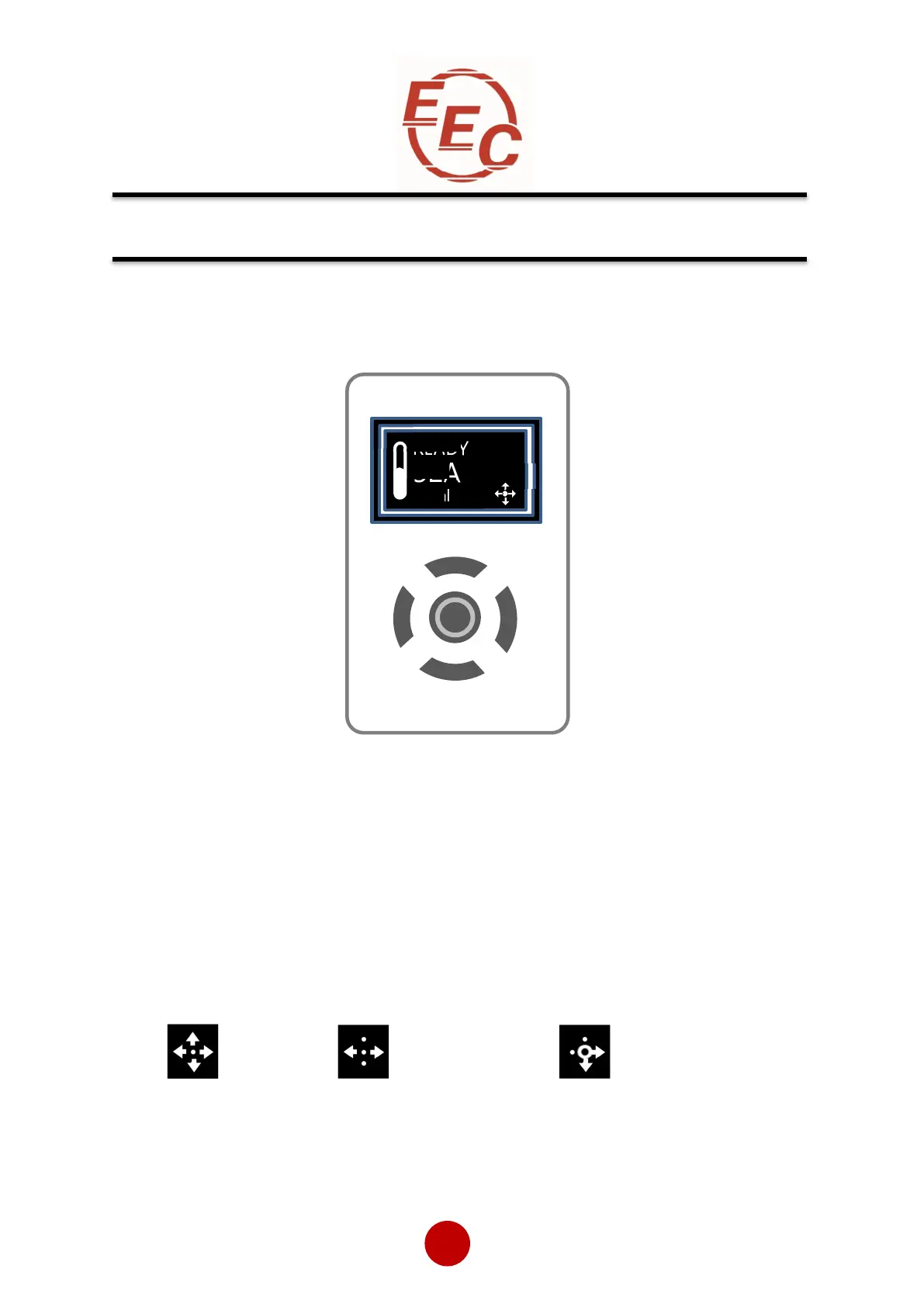
Display and Controls
Keypad Guidance Examples
All keys active Left & Right keys active Right, Down & Centre keys active
Note: A flashing centre button indicates that a menu item may be selected or saved.
Configuration and Parameters
Status messages
Instantaneous motor current
Control scheme: Local, Control terminal,
Motor overload level; 0 to 100%
Keypad guidance wizard: Displays which keys are valid for specific menu items
Status LED (incorporated into centre button) Green/Red
Local
Control keypad


 To Next Page