Confidential and Proprietary
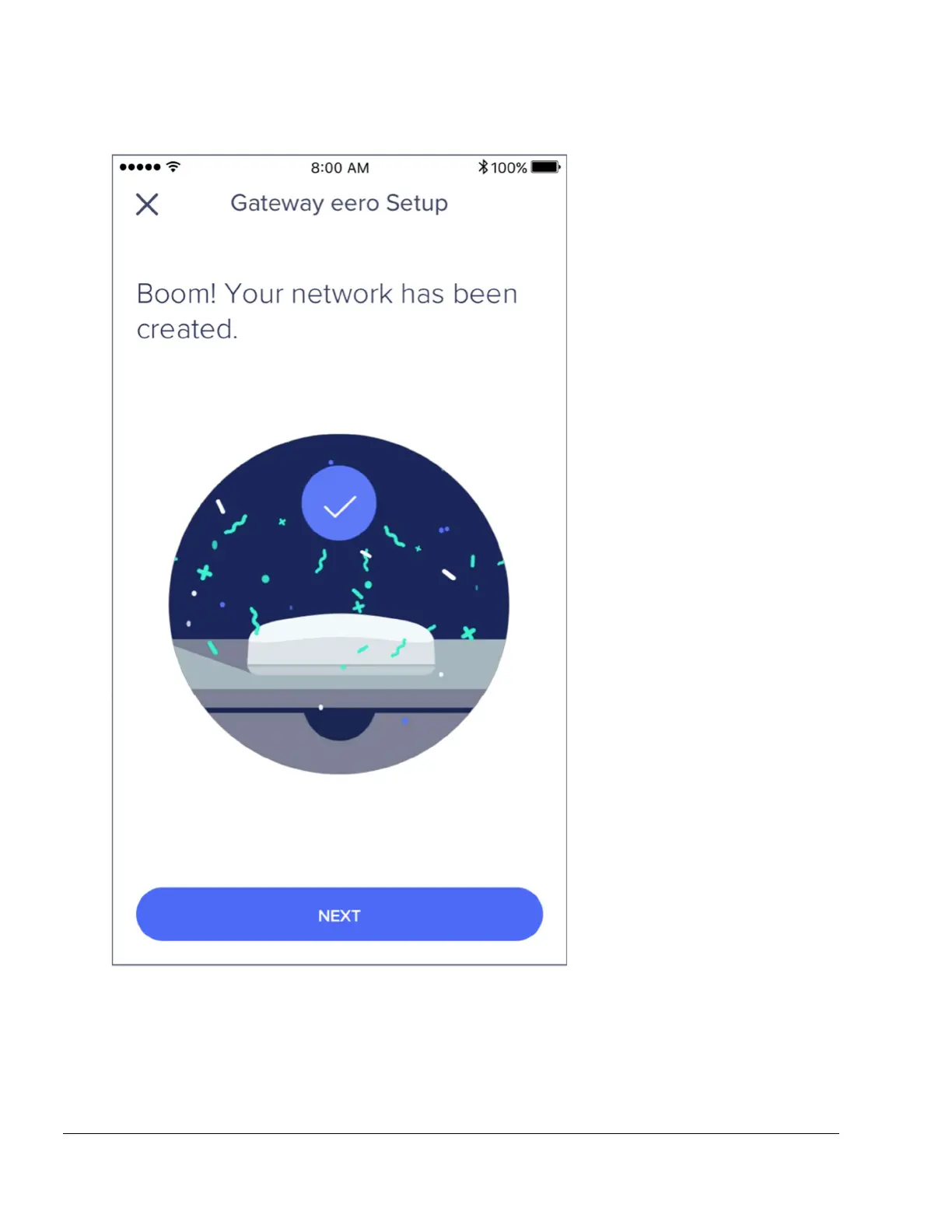
Tap Next and your eero will complete setup!
STEP 5: Add eeros to your network
Once you’ve set up your gateway eero, the eero app will walk you through steps to set up
additional eeros or eero Beacons on your network. The first thing you'll be asked is for a general
overview of your home layout. This will help the app properly judge the placement of your
eeros.


 To Next Page