Confidential and Proprietary
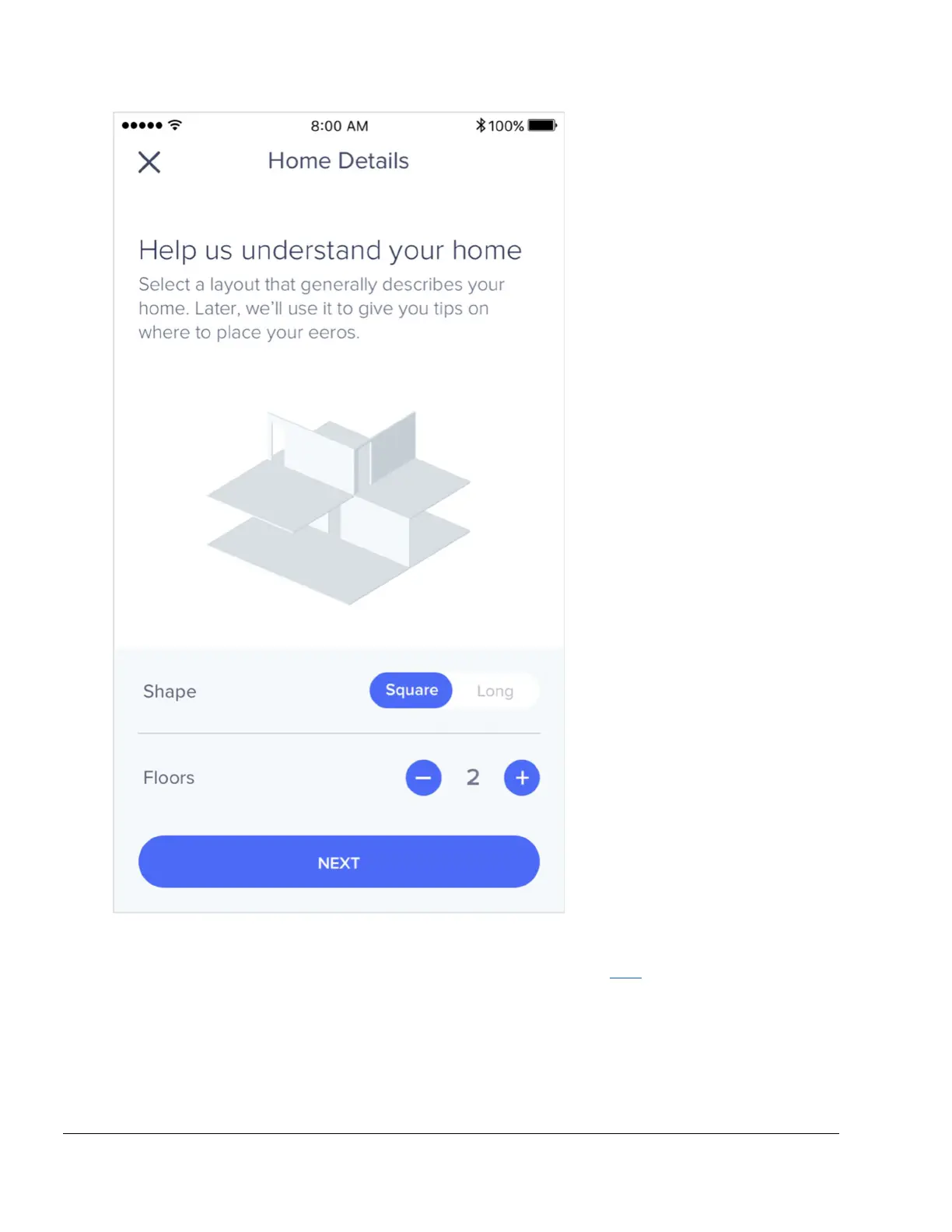
eeros can be added wirelessly or by Ethernet backhaul, while eero Beacons can only be added
wirelessly. If you need help with placement, we’ve got lots of tips here. It’s a great idea to
familiarize yourself with these tips before getting started so that you can optimize placement
throughout your home from the get-go.
Step 6: Connect devices to your eero network


 To Next Page