Digital Photo Frame
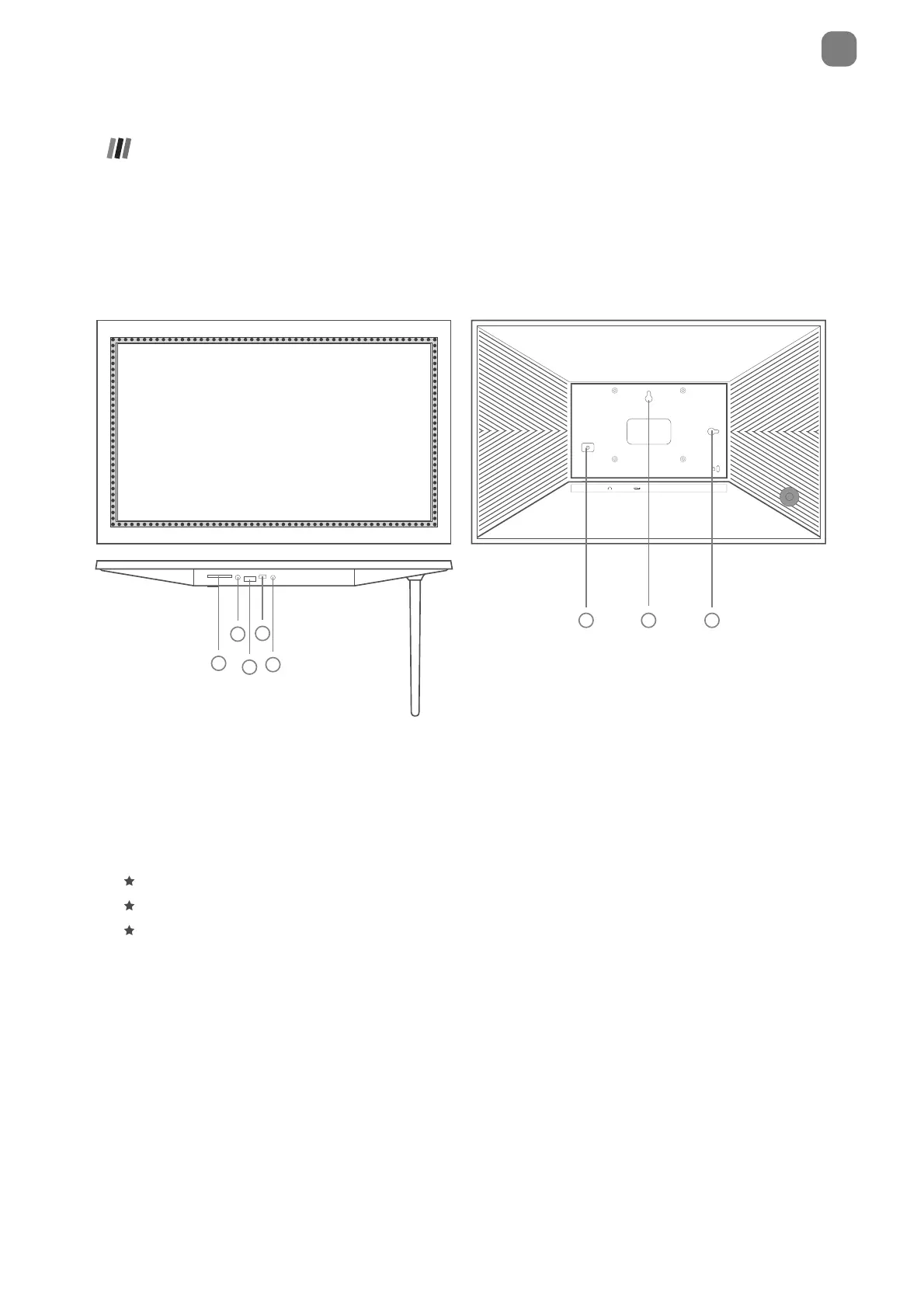
Frame Overview
- 01 -
SD cards can be used to import photos to the frame. Photos can also be exported to an
SD card from the frame to make a backup or move to a computer, etc. Note that photos
cannot be displayed directly from an SD card.
Hold the power button for about 5 seconds to power on the frame.
When the frame is on, press the power button once to turn the screen on or o.
Hold the power button for about 2 seconds to get power o option. To avoid any
possible damage to the frame, please do not unplug the power adapter from the frame
while the device is on.
EN
9*)GXJ9RUZ
=GRR3U[TZ.URK
6U]KX([ZZUT
6'00& 86% '&,1
.KGJVNUTK0GIQ



 To Next Page