3. Press the key to confirm the selection and to proceed to the operating
mode selection.
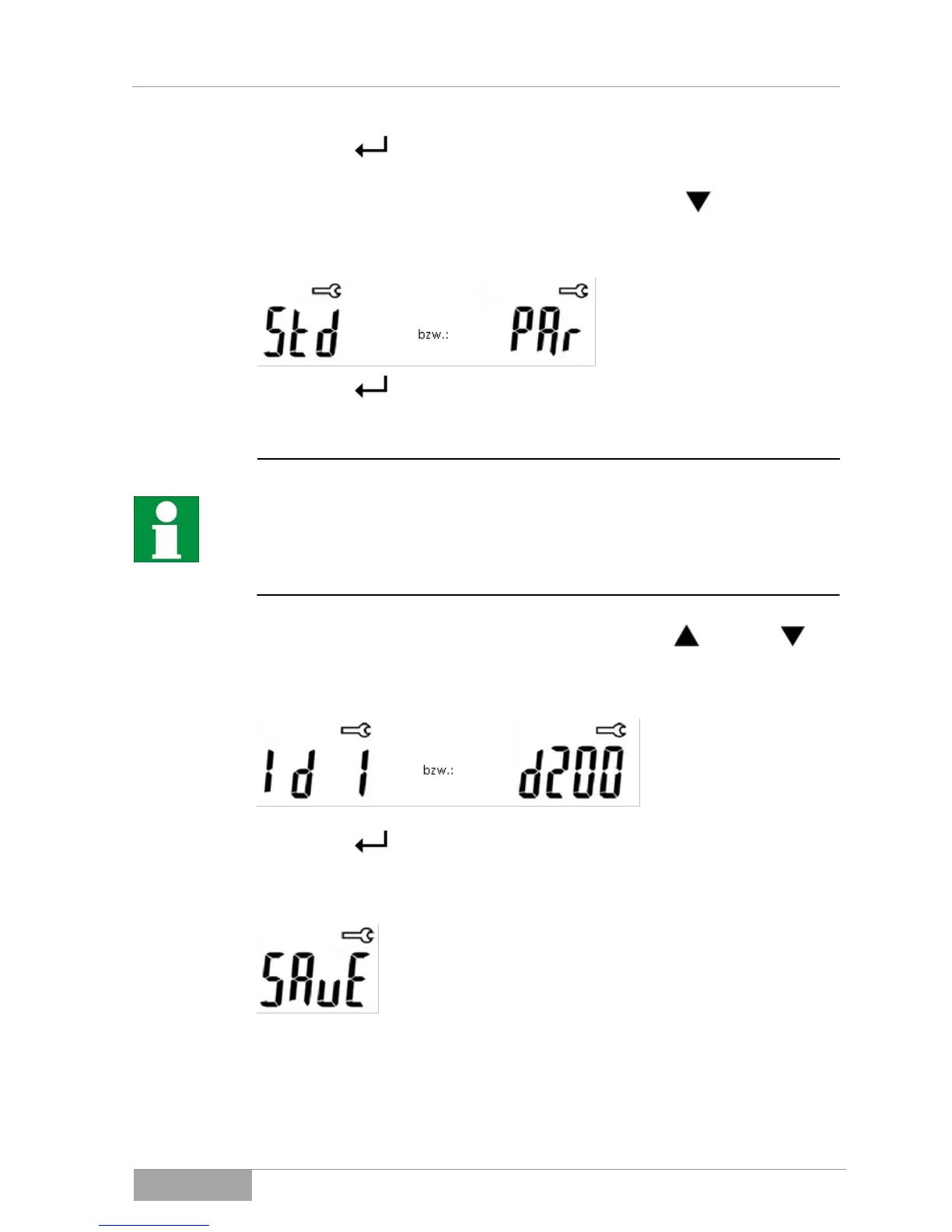
4. Select either "Standard" or "Parallel" operation with the key.
The display shows:
5. Press the key to confirm the selection and to proceed to the setting
of the ID number.
You can assign an identification number (ID no.) to your photovoltaic
solar inverter in the range from 1 - 200.
You need the ID number to be able to differentiate between different
photovoltaic solar inverters in one system. To do this, each photovoltaic solar
inverter must be assigned a different ID number.
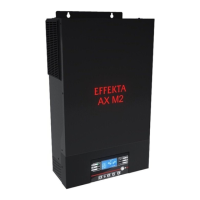
6. Change the ID number in a range of 1 to 200 with the key or the
key.
The display shows:
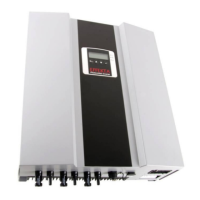
7. Press the key to save the settings.
The display shows:
The photovoltaic solar inverter goes into normal operating mode automatically
after 2 seconds.


 To Next Page