Pagina 6 di 28
5. SWITCHING ON THE DISPLAY
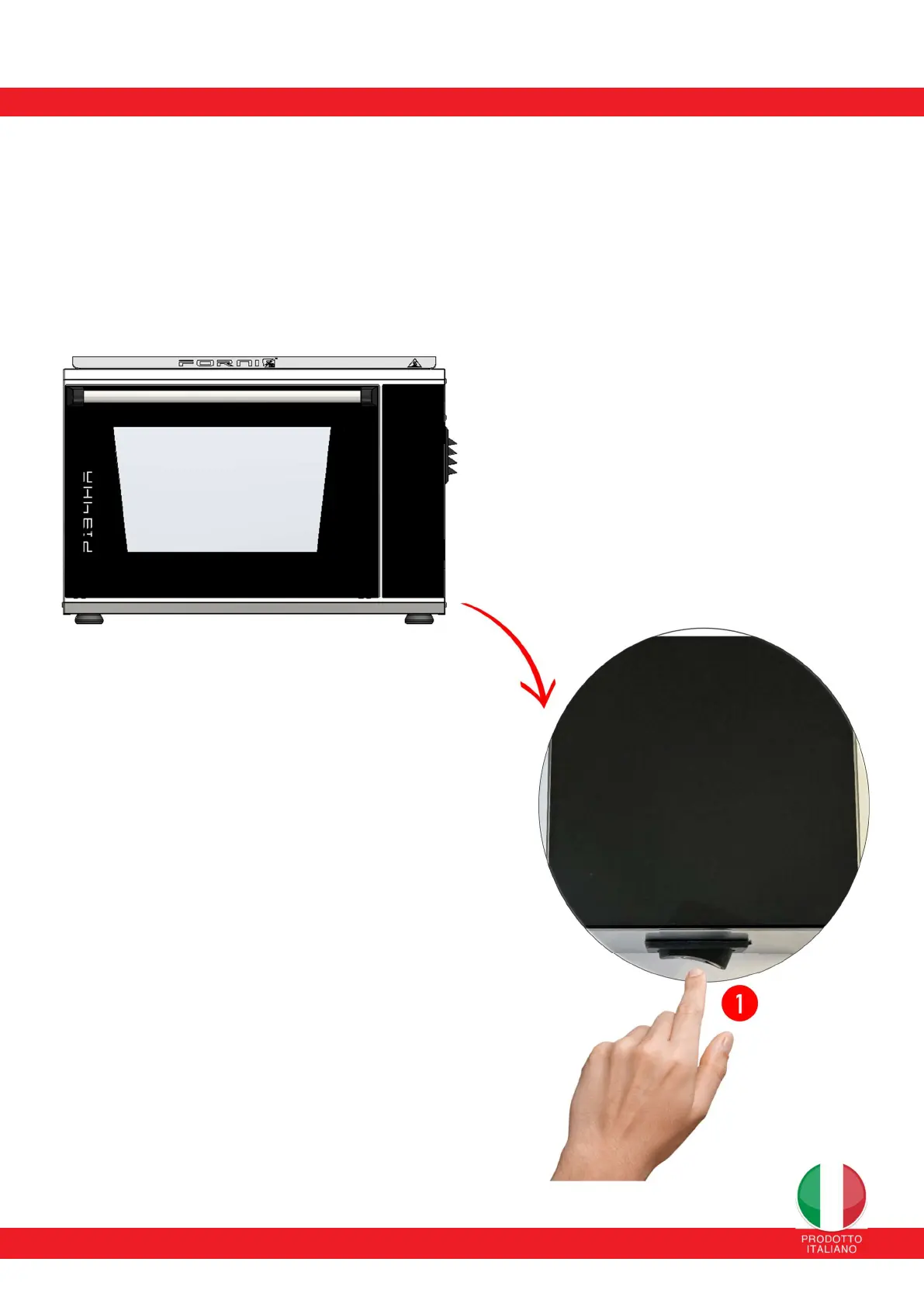
Once the oven is powered by connecting it to the power outlet, activate the display by pressing button (1) located
under the touch screen.
Once the oven usage is complete, the display can be turned off by pressing button (1). If the tangential fan is active,
it will not be turned off but will continue operating until the oven is completely cooled.


 To Next Page