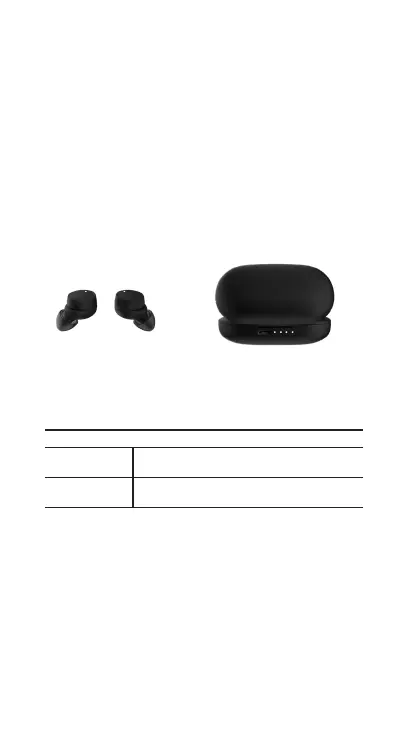
CHARGING YOUR ATHOS TWS EARBUDS:
Please use the provided USB cable to connect your Charge
Pod to a source of sucient power via the Micro USB port at
the back of the Charging Pod.
1. CHARGING THE POD
The LED Status Indicators on the back of the Charging
Pod will flash white when charging and stay lit when the
Pod is full.
2. CHARGING THE EARBUDS
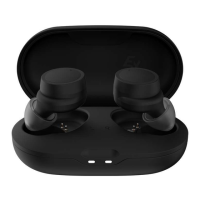
When the earbuds are inserted into the Charging Pod,
the white LED indicator on each earbud will light up white
and will go o to indicate that the earbud is full.
CHARGING STATUS
Earbuds LED will disappear when fully charged.
Charging Pod LED will stay lit when fully charged.


 To Next Page