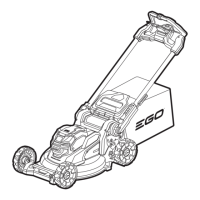
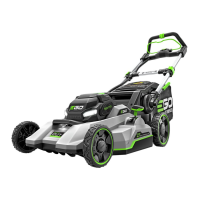
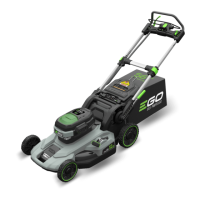
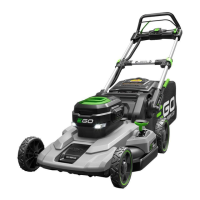
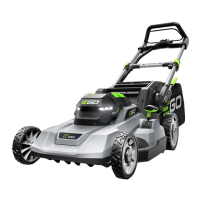
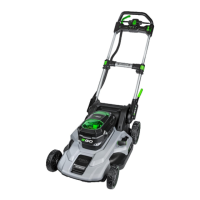
56-VOLT LITHIUM-ION CORDLESS 22” LAWN MOWER — LM2200SP/LM2200SP-FC28
SELECTING BLADE SPEED MODE
(FIG. 9)
Select Blade Speed Mode
The mower features three blade speed
modes:
◾
Mode TURBO is high blade speed
mode for high-lift performance to
improve suction force or cutting
performance.
◾
Mode 2 is the best balance between performance and runtime.
◾
Mode 1 provides the lowest noise level and longest runtime from your battery
pack.
NOTE: Higher blade speed will significantly affect runtime.
Select among mode TURBO, 2, or 1 by sequentially pressing the blade speed mode
button.
NOTE: The default blade speed mode is 2.
BLUETOOTH
®
WIRELESS TECHNOLOGY
Products with built-in Bluetooth
®
wireless technology can connect to mobile devices.
To install EGO Connect
TM
app
1. Download EGO Connect
TM
app on your mobile device.
2. Create a new account in EGO Connect
TM
app. If you already have an account, skip
to step 4.
3. An e-mail will be sent to the registered e-mail address. Follow the instructions in
the e-mail to validate your account.
4. Log in to your EGO account in EGO Connect
TM
app.
9
Blade Speed Indicator
Blade Speed Mode Button


 To Next Page
 Loading...