11. Software update
Click on to access the user interface "Software updates".
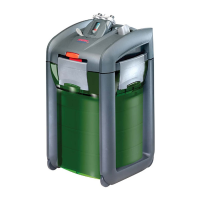
Here you can update the EHEIM ControlCenter, as well as the firmware of the external EHEIM
professionel 3e filter with the help of an existing Internet connection. If you have installed a firewall on
your computer, you must configure your firewall in such a way that the EHEIM ControlCenter can
access your Internet connection; otherwise the download of software updates will not be possible. For
more information, read the firewall manual.
Menu "Software update"
In case of an available internet connection, click on the button . An update check will
be executed.





 To Next Page