6. Installation of the EHEIM Interface
Before connecting your computer and the external filter with the EHEIM Interface, you must ensure that
the EHEIM ControlCenter has been successfully installed.
Now connect the USB connector (A) of the EHEIM Interface with an available USB port on your
computer. The Jack (B) is directly plugged into the socket provided at the pump head of your EHEIM
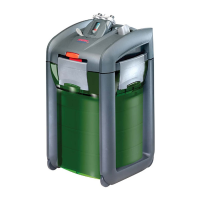
professionel 3e external filter.
Tip:
The cable length of the EHEIM Interface can be extended with a commercially available USB extension
to a maximum length of 5 m.
- TIP:
You can run also run your EHEIM professionel 3e external canister filter wireless (Wi-Fi). For this you
need an USB Device Server additionally. We recommend the Silex Wireless/Wired Hi-Speed
USB Device Server, isochron (SX-2000WG+).





 To Next Page