16
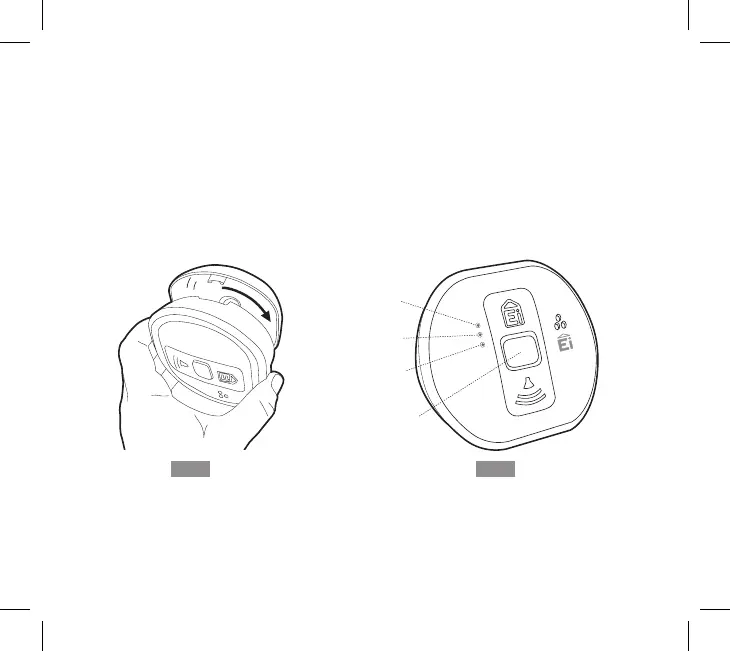
7. Carefully line up the Alarm on the base, gently press home and twist on – see figure 4.
(This connects the batteries). The red, yellow and green LEDs will immediately flash in
sequence to show they are working. In addition, the icons on the LCD display on the
Display models will briefly light up.
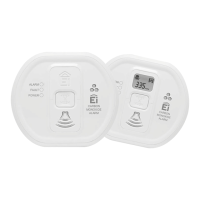
8. In standby mode, the Alarm’s green LED will flash once every minute to indicate it is
powered.
9. Press the Test button (after 15 seconds) to ensure that the Alarm sounds (see figure 5).
10.Install all the other Alarms similarly.
Fig.4
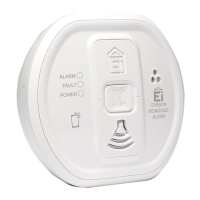
CARBON
MONOXIDE
ALARM
ALARM
FAULT
POWER
Red
LED
Amber
LED
Green
LED
Test
Button
Fig.5


 To Next Page