EasyManua.ls Logo

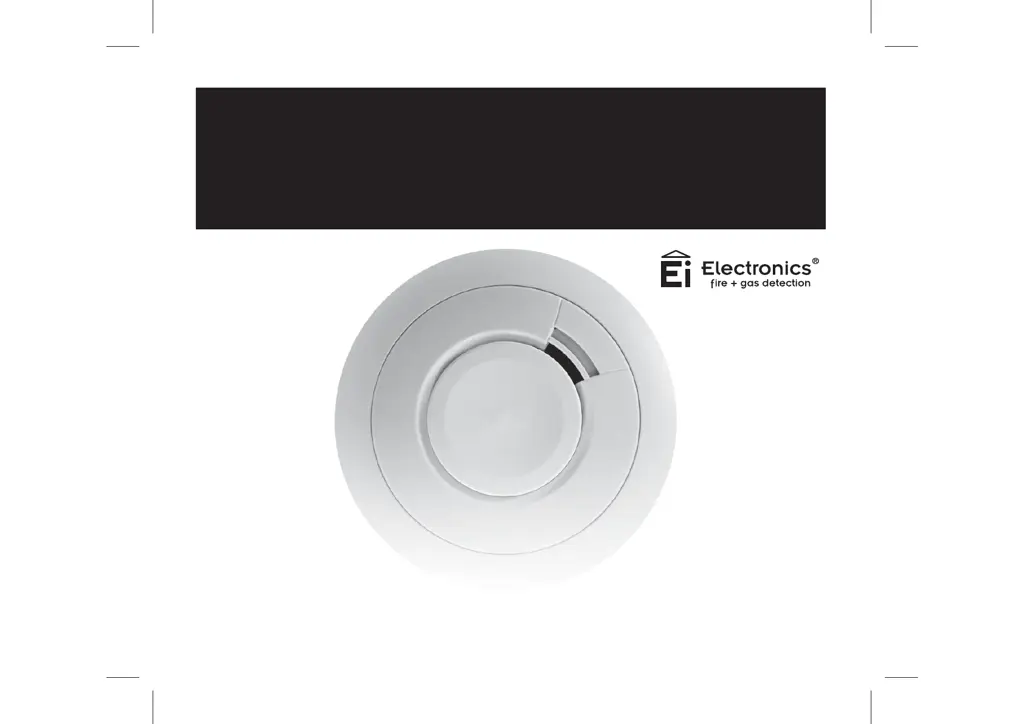
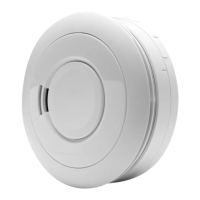
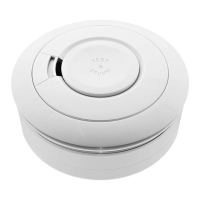
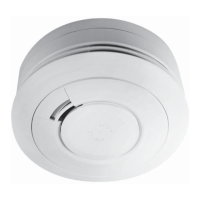
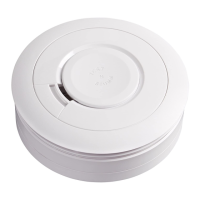
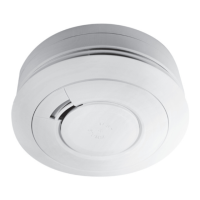
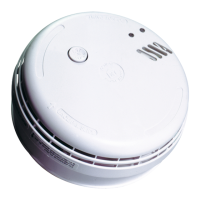
Ei Electronics Ei650i - User Manual

Ei Electronics Ei650i
60 pages
Print Icon
To Next Page IconTo Next Page
Loading...
Battery Powered
Smoke Alarms
Ei650 Series
Read and retain carefully for as long as the product is being used. It contains vital information on the operation
and installation of your Smoke Alarm. The leaflet should be regarded as part of the product.
If you are just installing the unit, the leaflet must be given to the householder. The leaflet is to be given to any
subsequent user.

Other manuals for Ei Electronics Ei650i

Questions and Answers

  • C
    Caitlin FisherAug 8, 2025
    What to do if my Ei Electronics Security System has reached maximum dust compensation?
    • P
      Patrick YoungAug 8, 2025
      If your Ei Electronics Security System gives 4 short chirps with 4 yellow LED flashes when the button is pressed, it means it has reached the maximum dust compensation. To solve this, remove the alarm from the mounting plate, leave it disconnected for 5 minutes, and then reinstall it, ensuring the air is clean (free from dust and smoke). The dust compensation will then operate quickly, within 60 seconds.
  • G
    Gavin WrightAug 17, 2025
    What to do if my Ei Electronics Security System sensor has a fault?
    • C
      carlosgonzalezAug 17, 2025
      If your Ei Electronics Security System gives 2 short chirps with 2 yellow LED flashes every 48 seconds, it indicates a fault has been detected. In this case, the alarm must be returned for repair or replacement.
  • C
    Corey BakerAug 27, 2025
    How to temporarily silence fault chirps on Ei Electronics Security System?
    • S
      Stacy LutzAug 28, 2025
      If you press the button on an Ei Electronics Security System that is giving fault chirps and yellow LED flashes, the alarm will be silenced (Fault Hush Mode) for 12 hours.

Summary

Quick Start Guide

Locate and Fix Baseplate

Instructions for finding the correct siting point and fixing the alarm baseplate to the ceiling.

Place and Connect Alarm

Guidance on how to place the alarm onto the baseplate, connecting the battery automatically.

Test Alarm Weekly

Instructions for testing the alarm by pressing the test button, recommending weekly checks.

Location & Positioning

Locations to Avoid

Details specific areas where smoke alarms should not be placed to prevent false alarms or operational issues.

Installation Procedure

Mounting, Wiring, and Connecting Alarms

Steps for fitting the mounting plate, drilling, wiring, and connecting the alarm unit.

Attaching and Testing Alarms

Guidance on attaching the alarm to the base and performing initial tests to ensure functionality.

Tamperproofing Smoke Alarms

Instructions on how to make the smoke alarm tamperproof to prevent unauthorized removal.

Hard Wired Interconnection

Wiring and Connection Steps

Detailed steps for interconnecting multiple alarms using hard wiring, including cable specifications.

Testing, Maintenance & Monitoring

Alarm Testing Procedures

Procedures for manually testing alarms and using the test/hush button for nuisance alarms.

Power Supply Monitoring & Replacement

Information on monitoring power supply, identifying low battery, and when to replace the alarm.

Fire Safety Advice

General Precautions and Escape Planning

Essential safety precautions, fire drills, and planning escape routes for emergency situations.

RadioLINK Module Overview

Troubleshooting Guide

Resolving Nuisance Alarms

Guidance on identifying and resolving nuisance alarms caused by fumes, dust, or contamination.

RadioLINK+ Module Ei600 MRF

RadioLINK+ Module Compatibility

RadioLINK+ Installation & House Coding

RadioLINK+ Additional Features

Testing the RadioLINK+ System

RF System Beeping and Faults

RadioLINK+ Troubleshooting

Ei Electronics Ei650i Specifications

General IconGeneral
Battery LifeUp to 10 years
Alarm Volume85 dB at 3 meters
Test ButtonYes
Hush FeatureYes
Operating Temperature0°C to +40°C
StandardsEN 14604:2005
Power SourceMains powered
Battery BackupYes
LED IndicatorYes
InterconnectivityYes
Weight200g

Related product manuals