EasyManua.ls Logo

Eico 950B - Control Knob Alignment; Initial Power-Up and Calibration; Cabinet Assembly

Eico 950B
30 pages
Print Icon
To Next Page IconTo Next Page
To Previous Page IconTo Previous Page
Loading...
4)
Align
the
contro!
knobs
as
follows:
a)
Fastena
knob
to
the
POWER
FACTOR
control.
First
turn
it
clockwise
to
ensure
that
it
is
in
the
"AC
ON"
position,
and
then
turn
it
counter-clockwise
until
the
"AC
OFF"
position
is
"felt".
Do_not
turn
tothe
"AC“OFF"
position.
Loosen
the
knob
set
screw,
line
the
knob
up
with
the
"©"
position
on
the
power
factor
dial,
and
retighten
the
set
screw.
b)
Fasten
a
knob
to
the
RANGE
switch
and
turn
It
to
the
extreme
counter-clockwise
position.
Loosen
the
knob
set
screw,
line
up
the
knob
with
the
"10
mmf
-
5000
mmf"
position
on
the
range
dial,
and
retighten
the
set
screw.
(The
set
screw
should
tighten
against
the
"flat"
on
the
switch
shaft.
If
it
does
not,
loosen
the
nut
securing
the
switch
and
adjust
the
switch
until
the
"flat"
is
in
the
required
position.)
.
c)
Fasten
a
knob
on
the
"VOLTAGE
potentiometer
and
turn
it
to
the
extreme
clockwise
position.
Loosen
the
knob
set
screw,
line
the
knob
up
with
the
500
position
on
the
voltage
dial,
and
retighten
the
set
screw.
5)
Connect
an
ohmmeter
from
B
plus
(V17~8)
to
ground;
the
resistance
should
not
be
less
than
50,000
ohms
nor
should
it
vary
as
the
RANGEswitch
is
rotated.
Then
connect
the
ohmmefer
from
B
minus
(V173
or
5)
to
ground;
the
resistance
should
not
be
less
than
60,000
ohms
nor
should
it
vary
as
the
range
switch
is
rotated.
If
any
of
the
above
conditions
do
not
obtain,
recheck
the
circuit
(B
plus
or
B
minus
as
required).
De
not
apply
power
until
the
trouble
is
remedied.
6)
Insert
the
line
cord
and
turn
the
instrument
on
by
rotating
the
AC
switch
on
the
POWER
FACTOR
potentiometer
clock=
wise.
The
filaments
should
light
immediately.
If
not,
turn
the
instrument
off
and
check
the
filament
circuit.
Do
not
leave
the
power
on
as
this
could
damage
the
power
transformer.
The
magic
eye
tube
should
show
a
green
glow
within
|
minute.
If
not,
recheck
the
B
plus
circuit.
7)
CALIBRATION:
Turn
the
instrument
on
and
allow
a
few
minutes
for
warm-up.
Set the
RANGE
switch
at
the
"5
KQ
=
5
MQ"
position,
and
connect
the
200
KQ
(.2
MQ)
precision
calibrating
resistor
provided
across
the
"CAP.-RES.
TEST"
bind-
ing
posts.
Fasten
the
pointer
indicator
knob
to
the
shaft
of
the
center
potentiometer.
Rotate
the
center
potentiometer
until
the
eye
shows
maximum
opening
(bridge
balance).
Loosen
the
knob
set
screw,
set
the
pointer
at
.2M
on
the
dial,
and
retighten
the
set
screw.
Check
to
determine
whether
or
not
any
shaft
movement
has
occurred
during
the
knobresetting
process.
If
the
eye
shows
maximum
opening
with
the
pointer
set
at
.2M
on
the
dial,
no
shaft
movement
has
occurred
and
the
calibration
is
completed.
Remove
the
200
KQ
precision
resistor
and
store
it
for
reference.
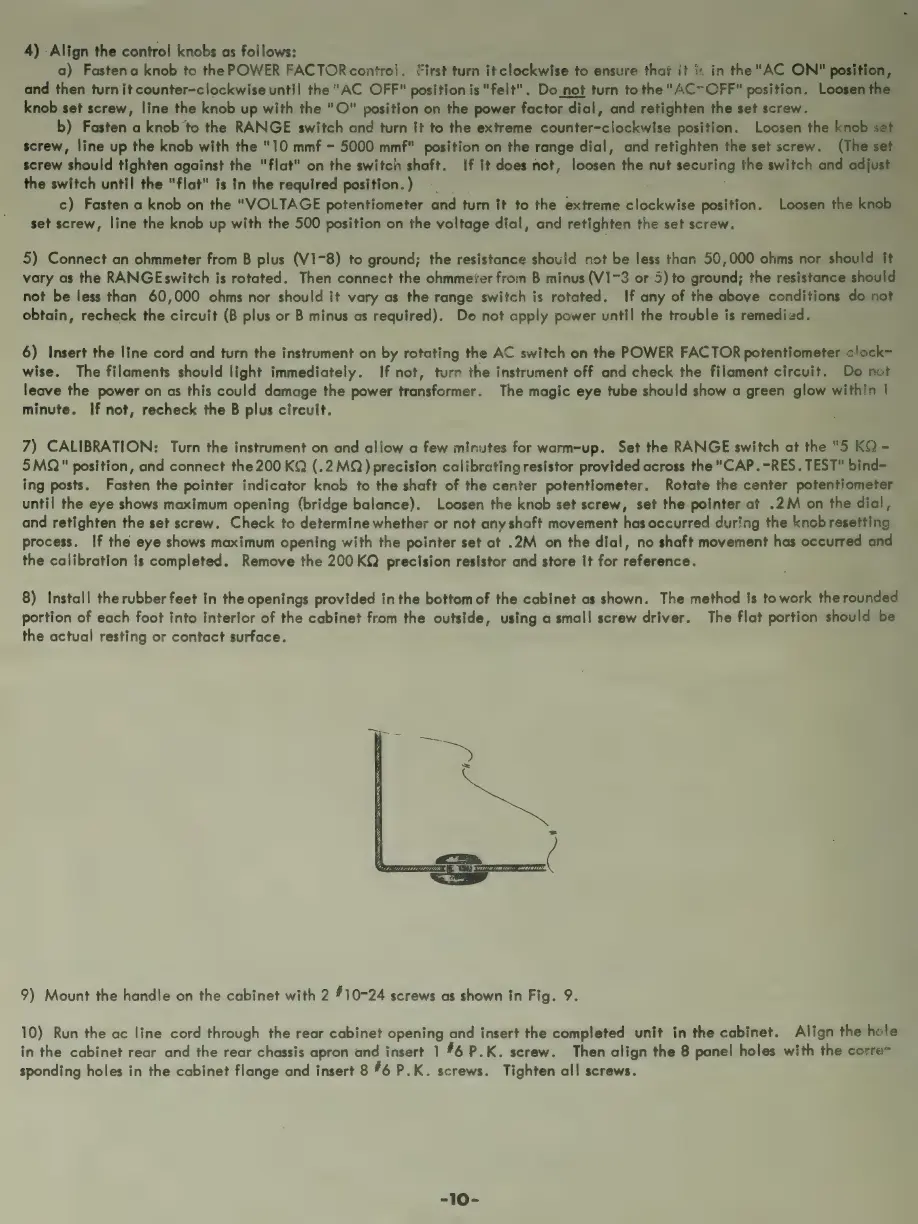
8)
Install
the
rubber
feet
in
the
openings
provided
inthe
bottom
of
the
cabinet
as
shown.
The
method
is
to
work
the
rounded
portion
of
each
foot
into
interior
of
the
cabinet
from
the
outside,
using
a
small
screw
driver.
The
flat
portion
should
be
the
actual
resting
or
contact
surface.
Y
j
y
4%
f
f
y
i
j
iA
j
y
4,
9)
Mount
the
handle
on
the
cabinet
with
2
10-24
screws
as
shown
in
Fig.
9.
10)
Run
the
ac
line
cord
through
the
rear
cabinet
opening
and
insert
the
completed
unit
in
the
cabinet.
Align
the
hole
in
the
cabinet
rear
and
the
rear
chassis
apron
and
insert
1
#6
P.K.
screw.
Then
align
the
8
panel
holes
with
the
corre=
sponding
holes
in
the
cabinet
flange
and
insert
8
#6
P.K.
screws.
Tighten
all
screws.
-10-

Related product manuals