8 Maintenance
Page 51 / 66
2. Wipe off the sensor, USB extension cable and mounting bracket surface with
a cloth soaked in isopropyl alcohol (70%) to disinfect them completely and
thoroughly at least twice. Carefully follow the disinfecting solution
manufacturer’s recommended contact time.
3. Remove any chemical residues by wiping the components clean and dry
with a sterile cloth.
1. Do not use disinfectants other than isopropyl alcohol (70%) for disinfection.
2. Make sure no liquid penetrates the sensor through the USB cable or
connectors, otherwise, it will damage the internal parts.
3. When cleaning the cable, hold the sensor with one hand and wipe with the
other hand from the sensor receiving board to the sensor USB connector. Do
not pull on the insulation of the cable.
1. Do not disinfect the sensor in an autoclave or other sterilization container.
2. Do not soak or immerse any part of the sensor in liquid.
Storage:
Store the components in a clean and dry place for the next treatment.
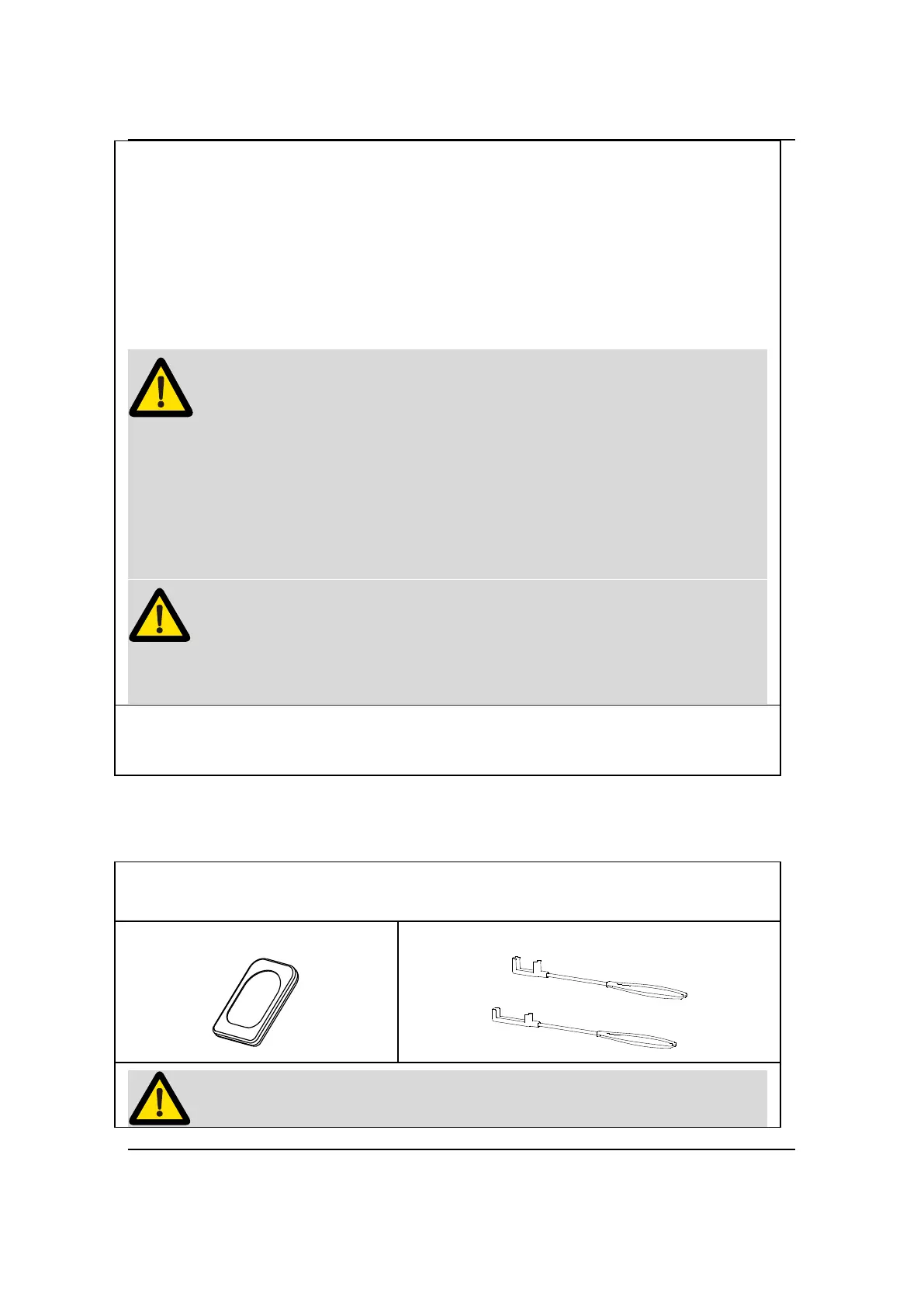
8.4 Autoclavable Components
Silicone Protective Cover
Handheld Bracket (purchased separately)


 To Next Page