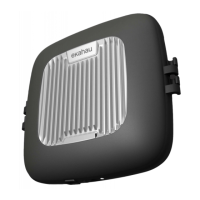
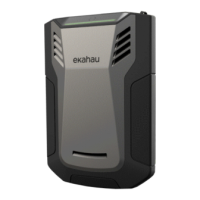
7. Once the start-up has been completed and Sidekick 2 has established the
connecon to laptop, tablet or phone, the indicator will turn green.
8. Survey and analyze data like there’s no tomorrow.
IMPORTANT
▪ Be sure to insert the USB connector appropriately to Sidekick unit. Do not
apply excessive force to avoid breaking the device.
▪ It is highly recommended to use only USB cable provided by Ekahau.
▪ Do not connect the device to any applications and tools other than those
provided or explicitly recommended by Ekahau.
▪ Do not use any other accessories other than those provided or explicitly
recommended by Ekahau.
Charging
The device is shipped with the baery charged for storage purposes. You should
charge the device to full at your earliest convenience before use. To ensure fast
charging, the unit should be charged when it is not switched on. The cooler the
device is, the faster it will be charged.
1. Turn o the device.
2. Connect the power supply to the device.
3. Plug in the power supply to the mains power.
4. Observe the charging progress from the indicator.
IMPORTANT
Use only the power supply and its cables provided by Ekahau. Do not leave the
device connected to the power supply for unnecessarily long me.
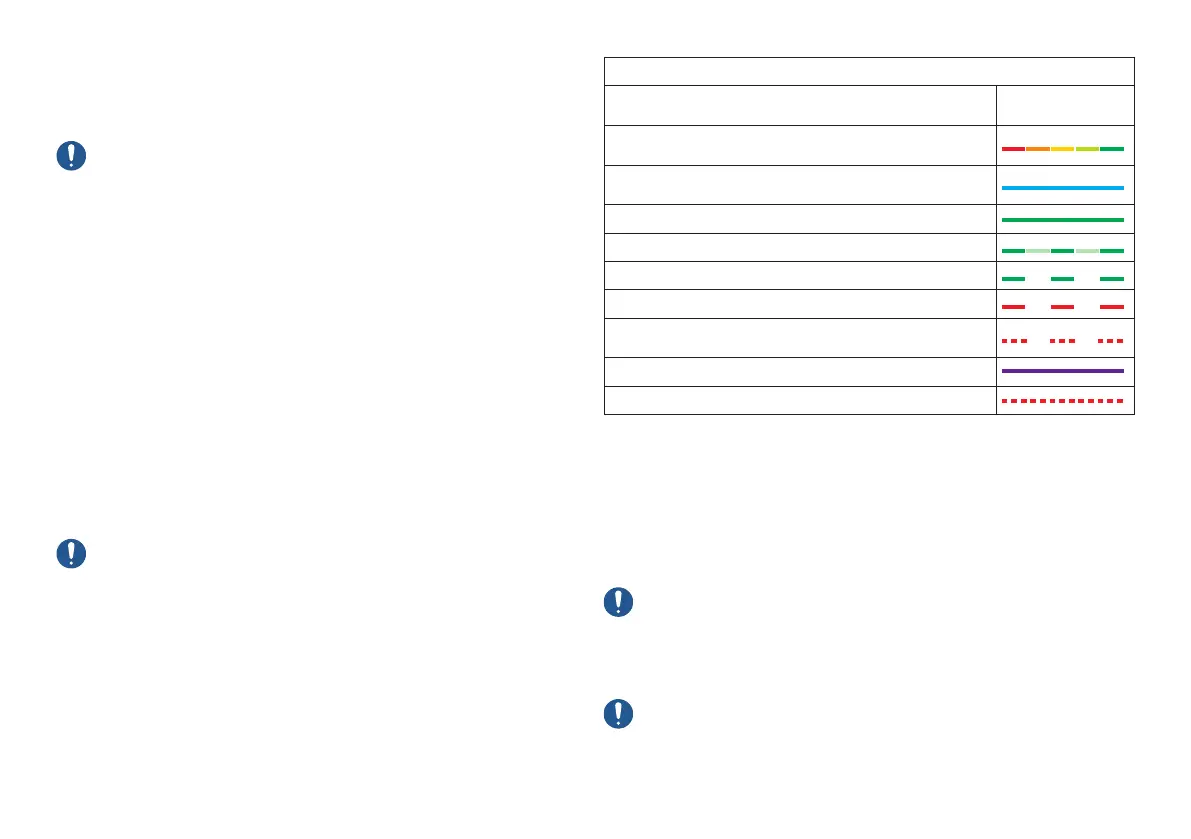
Quick guide to funcons
Sidekick 2 is operated with one buon and all status is displayed by one indicator.
Status check Status indicator
Device is switched o. To start it up, press the power buon
for 2 seconds
Device is switched on, but either geng ready or shung
down. Please wait unl the light stops blinking.
Device is switched on but it has not yet established a
connecon to laptop, tablet or phone
Device is connected successfully via USB cable
Device is performing Wi-Fi measurements
Baery charging
Baery charging, level low
Baery is very empty; please connect the power supply to
charge it before connuing
Device is starng into factory rmware mode
Error. Please contact Ekahau support if the issue persists
Good to know
The device is meant primarily for indoor use. Recommended operang tem-
perature range is +5 °C…+35 °C (+41 °F…+95 °F). If used in a warmer or cooler
environment, the operang me might be signicantly reduced and the device
might automacally shut down.
The device will get warm during use, as it is a powerful compung device. This
is normal and expected. Avoid touching the warm parts unnecessarily if feeling
uncomfortable.
IMPORTANT
Do not cover the device as covered, or upside down for long periods, or when in
enclosed space, e.g. pocket or bag. Proper air circulaon around the front side
of the device is important. If the device heats up too much, it will automacally
shut down itself.
IMPORTANT
Do not try hacking, alternang, modifying, copying, or reverse engineering of the
Sidekick unit in any ways. Do not try opening any of the screws in the device.
Warranty will be void and you will be considered a very bad boy / girl.


 To Next Page