Frequently asked questions
Open the Aiwit app and tap on Settings . From
there, you can share the device via QR code or
email, and even transfer ownership of the device.
The new user must first download the Aiwit app and
create their own account.
Only the owner account can change settings,
delete videos, and share the device. Shared
accounts do not have these options.
1. How can I share the device with family
members?
2. Why can't I change the settings?
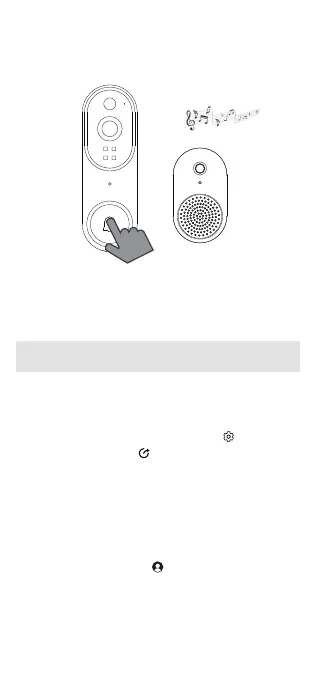
Press the doorbell button3.
Press the doorbell button again to verify that the
chime and doorbell are working properly.
Please note that the volume of the chime is not
adjustable.


 To Next Page