11
How to replace the CP micro
YOUR FINGER. YOUR KEY.
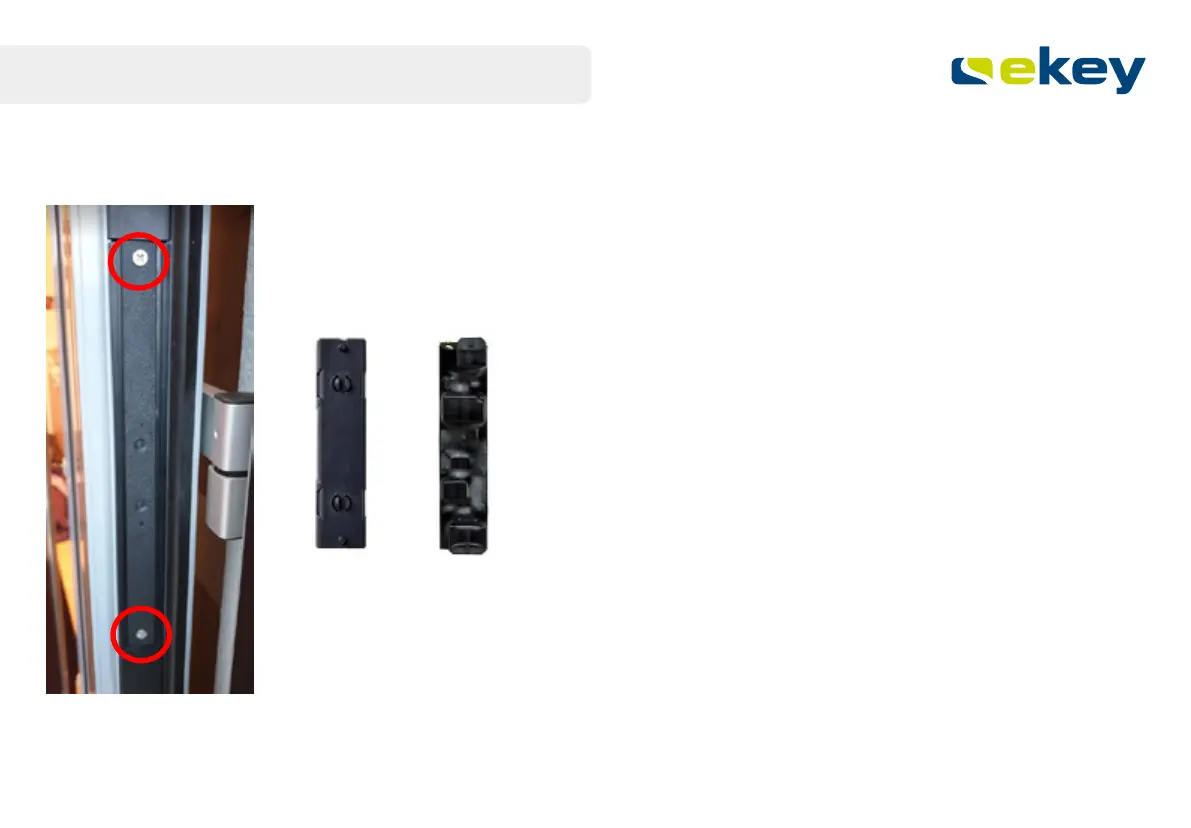
Unscrew the CP micro if it is located behind the plastic faceplate.
Remove the CP micro from the faceplate.
Unplug the two connection cables.
You can mount the ekey dLine control unit onto the existing mounting plate.
The rest of the replacement is now as described previously.



 To Next Page