EasyManua.ls Logo

eKey Home - User Manual

eKey Home
77 pages
Print Icon
To Next Page IconTo Next Page
Loading...
OPERATING INSTRUCTIONS
en
ekey home

Table of Contents

Questions and Answers

Summary

Operating Instructions Information

General Information and Disclaimers

Key notes, warranty, copyright, and liability details.

User Guidance and Terminology

Explains symbols, abbreviations, and target audience.

Safety and System Introduction

Safety Guidelines and Notices

Covers proper use, liability, and warning classifications.

System Overview and Scope of Delivery

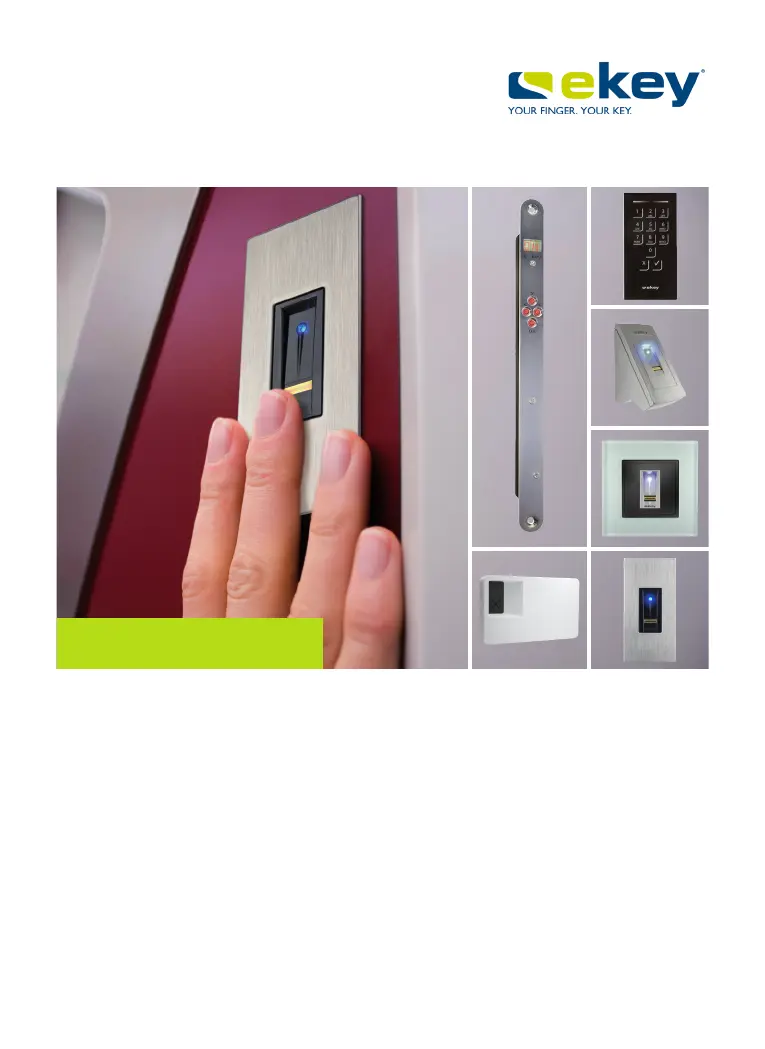
Introduces the system, its parts, and scope of delivery.

Device Functionality and Specifications

Finger Scanner Operation and Features

Details on finger scanner, its controls, and correct usage.

Code Pad Functions and Settings

Explains code pad functions, controls, and admin menu.

Control Panel Options and Menu

Describes control panel models, functions, and menu items.

Technical Specifications

Lists technical data like voltage, power, temperature, and IP codes.

Installation and Commissioning

System Installation Procedures

Step-by-step guide for installing the system devices.

System Commissioning Process

Details on how to commission the system after installation.

System Operation and Management

App-Based Finger Scanner Management

How to use the ekey home app for administration, coupling, and settings.

Finger Scanner Operation via Control Panel

Using the control panel menu for configuration and settings.

Code Pad Administration and Settings

Using shortcuts and admin menu on the code pad for settings.

System Maintenance and Troubleshooting

Resetting System to Default Settings

Procedures for restoring the system to factory defaults.

Troubleshooting Error Displays

Explains error codes for control panel, finger scanner, and code pad.

Maintenance and Disposal Guidelines

Cleaning instructions and disposal guidelines for the system.

eKey Home Specifications

General IconGeneral
BrandeKey
ModelHome
CategoryIP Access Controllers
LanguageEnglish

Related product manuals