Usage of the finger scanner with the control panel menu en│37
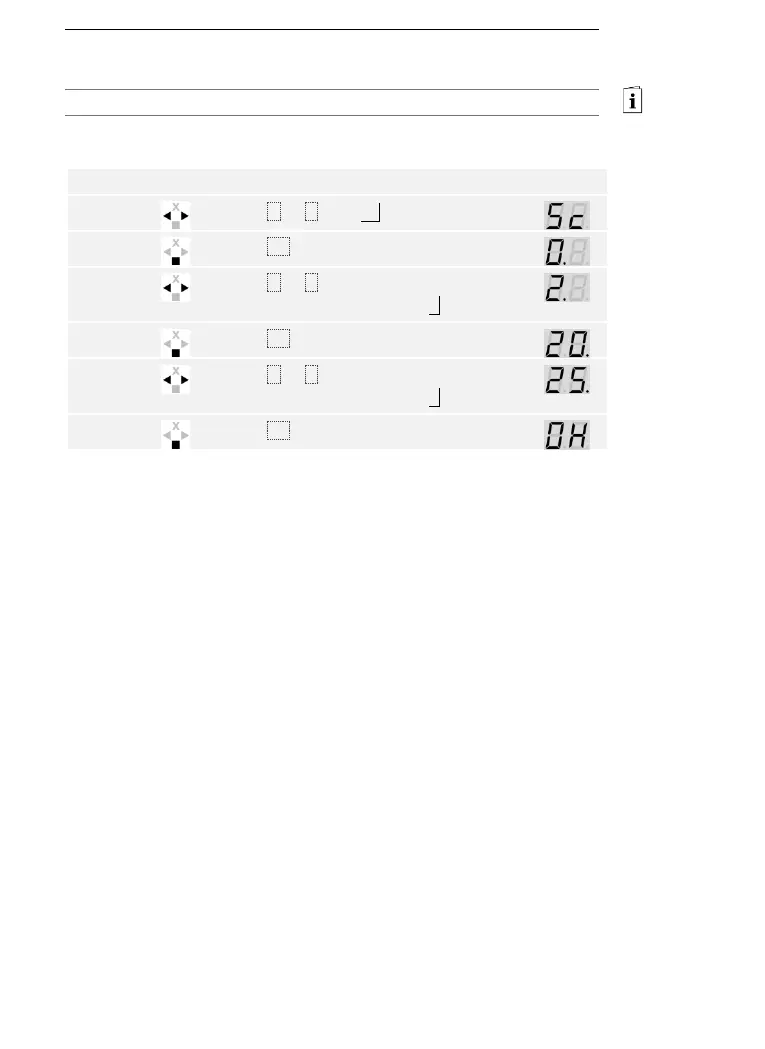
The security code can be changed via the main menu.
Enter the security code to access the main menu.
See Entering the security code, page 35.
The system displays the main menu.
Press < or > until Sc is displayed.
Press < or > to select the first digit of
the new security code. E.g., 2 .
Press < or > to select the second digit of
the new security code. E.g., 5 .
The new security code is stored. The system is in normal mode.
Changing the
security code



 To Next Page