EasyManua.ls Logo

eKey Home - Maintenance and Disposal Guidelines

eKey Home
77 pages
Print Icon
To Next Page IconTo Next Page
To Previous Page IconTo Previous Page
Loading...
74en Error displays and troubleshooting
Display
Meaning
Remedy
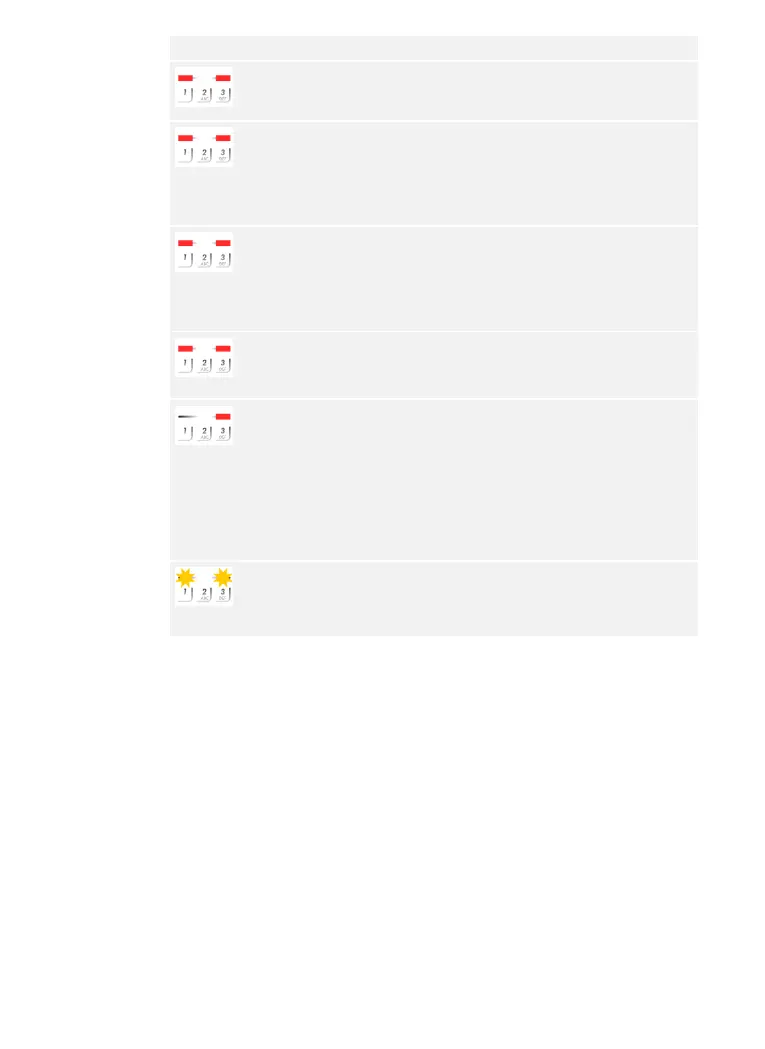
The status
LEDs light
up red.
The user code was not
recognized.
Enter the user code on
the keypad again.
The status
LEDs light
up red.
The numbers in the
desired user code are
all the same. E.g.:
1111, 3333.
Enter a new user code
containing at least one
number that is different
from the others. E.g.,
1115, 3733.
The status
LEDs light
up red.
The desired user code
is too short or too long.
E.g., 321, 987654321.
Enter a new user code
with a minimum of 4
digits and a maximum of
8 digits. E.g., 4321,
87654321.
The status
LEDs light
up red.
An error occurred when
entering menu items or
values.
Carefully read the
description of the
required function again.
The status
LED lights
up red on
the right.
An incorrect user code
has been entered 3
times. 1-minute or 15-
minute system lock.
After the 1-minute or 15-
minute lock, enter a
correct user code. The 1-
minute or 15-minute lock
will only count down if
the power supply and
data connection are
present throughout.
The status
LEDs flash
yellow
alternately.
No bus connection to
the control panel.
Check the wiring or
commission the device.
If these remedies do not solve the problem, contact your dealer. If the
system has to be returned to ekey biometric systems GmbH, ensure that
it is correctly packaged. Improper packaging can lead to the warranty
being voided.
Code pad

Table of Contents

Related product manuals