Usage of the finger scanner with the control panel menu en│51
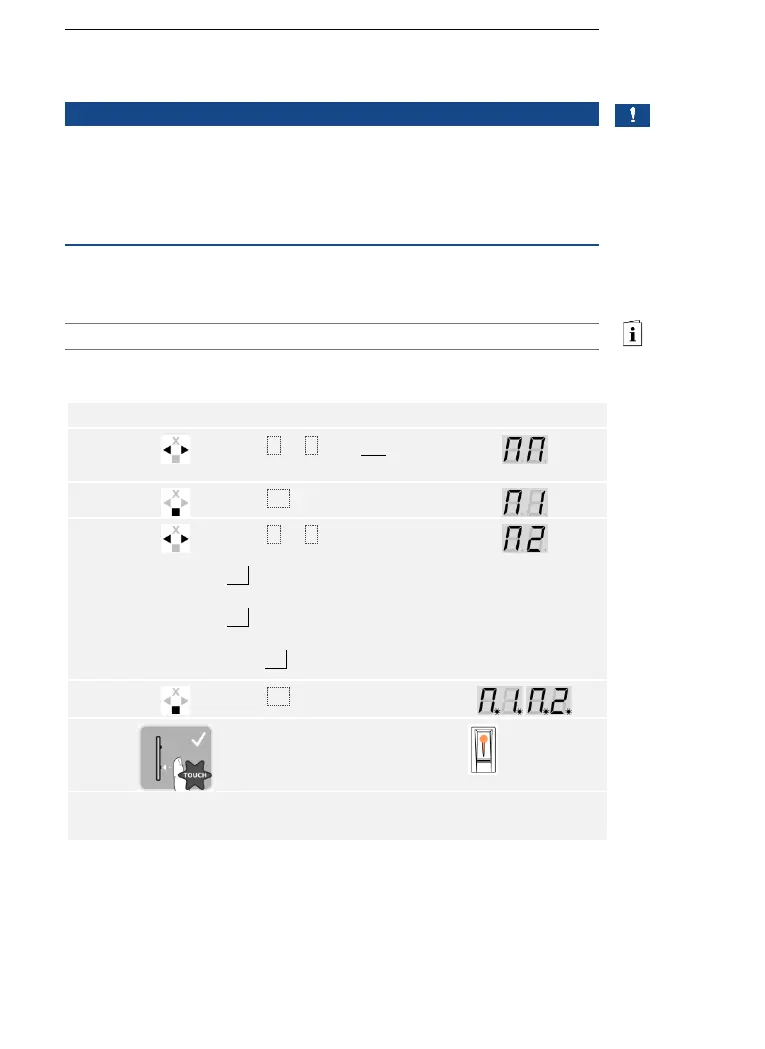
Fair mode simplifies the user storing process for demo purposes.
NOTICE
Unique features of the fair mode:
□ Operation is not possible once fair mode is enabled
□ The system automatically returns to fair mode after a power
failure
□ Fair mode only switches relay 1.
Fair mode is executed via the main menu.
Enter the security code to access the main menu.
See Entering the security code, page 35.
The system displays the main menu.
Press < or > to select the
desired variant:
M1 = fingers deleted after
detection or 10 minutes
M2 = fingers are stored for
10 minutes.
E.g., M2.



 To Next Page