Usage of the finger scanner with the control panel menu en│49
Deleting a user will delete all identification methods stored under their
user number. It is not possible to delete individual identification methods
from a user.
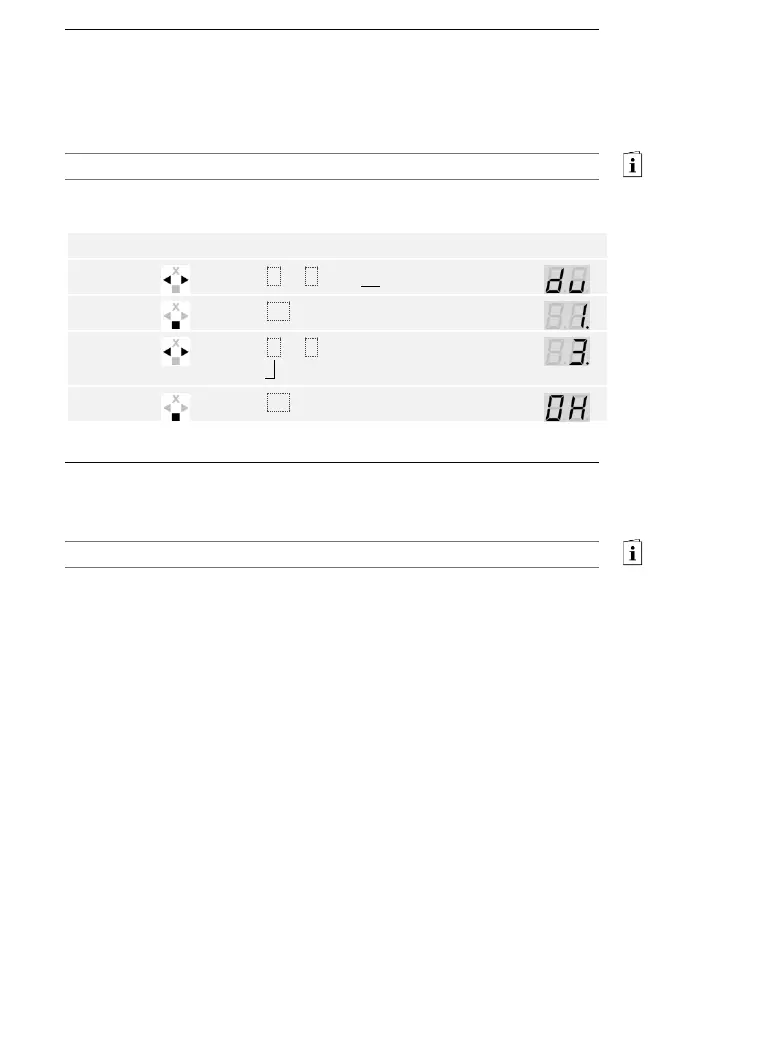
Users are deleted via the main menu.
Enter the security code to access the main menu.
See Entering the security code, page 35.
The system displays the main menu.
The user has been deleted. The system is in normal mode.
You cannot delete individual identification methods. You can only delete
users. Deleting a user also deletes the identification methods.
See Deleting a user, page 49.



 To Next Page