60│en Usage of the code pad with shortcuts
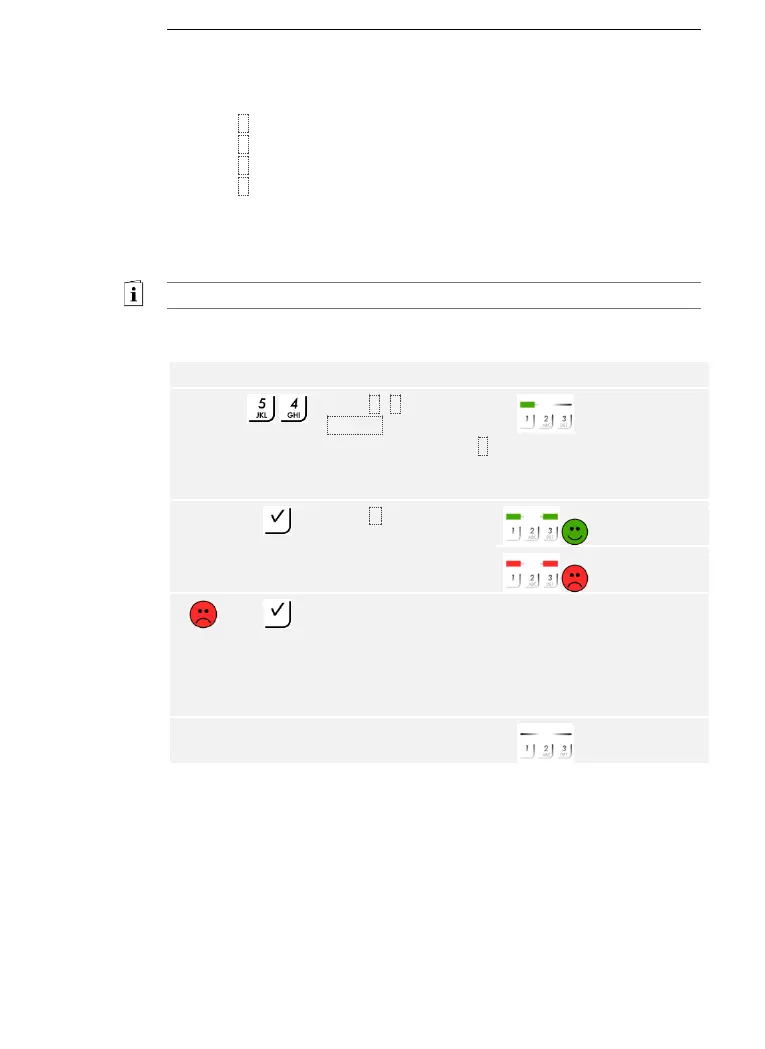
4 predefined modes can be used to set the acoustic and optical signaling
that indicates when a button has been pressed. By default, the acoustic
and optical signals indicating that a button has been pressed are enabled.
Enter the number of the required mode:
□ 0 = acoustic and optical signals disabled
□ 1 = acoustic signals on and optical signals disabled
□ 2 = acoustic signals off and optical signals enabled
□ 3 = acoustic and optical signals enabled
The signaling to indicate that a button has been pressed is set via the
Admin menu.
Enter the admin code to access the Admin menu.
See Entering the admin code, page 54.
The system is in the Admin menu.
The optical and acoustic signaling to indicate that a button has been
pressed was set. The system is in normal mode.



 To Next Page