Usage of the finger scanner with the control panel menu en│39
The switching duration for each individual relay can be set anywhere
between 1 and 99 s. By default, the switching duration is set to 3 s. When
the time is set to 0 s, the relay operates as a switch: The relay changes
its switching status when an identification method is matched and it
remains in that status until another identification method is matched.
NOTICE
Relay switching duration = 0: When controlling an intrusion alarm
system with relay switching duration = 0, a power failure or reset will
deactivate the intrusion alarm system. A reset is generated when you use
an unrecognized identification method with the registration unit 10 times
in a row.
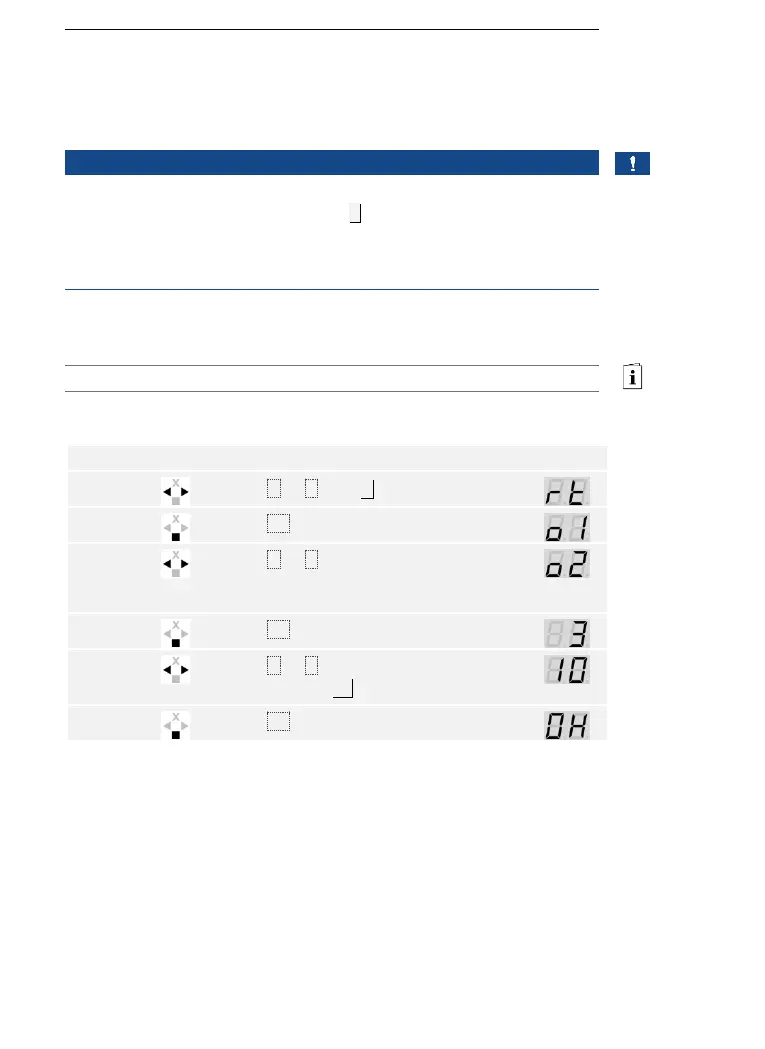
The switching duration is set via the main menu.
Enter the security code to access the main menu.
See Entering the security code, page 35.
The system displays the main menu.
Press < or > to select the relay number.
Relay selection is available on control
panels with more than one relay.



 To Next Page