EasyManua.ls Logo

eKey Home - Opening a Door

eKey Home
77 pages
Print Icon
To Next Page IconTo Next Page
To Previous Page IconTo Previous Page
Loading...
Usage of the finger scanner with the app en33
The primary purpose of the product is to open doors. This can be carried
out using the app, the finger scanner, an RFID transponder, or the digital
input.
Using the app
The system is in normal mode.
Step
Instruction
1st
Start the
ekey home app
. The mobile device connects to the
Bluetooth finger scanner.
2nd
Select ACCESSES.
3rd
Slide the slider of the door to be opened to the right.
4th
The door opens.
The system is in normal mode.
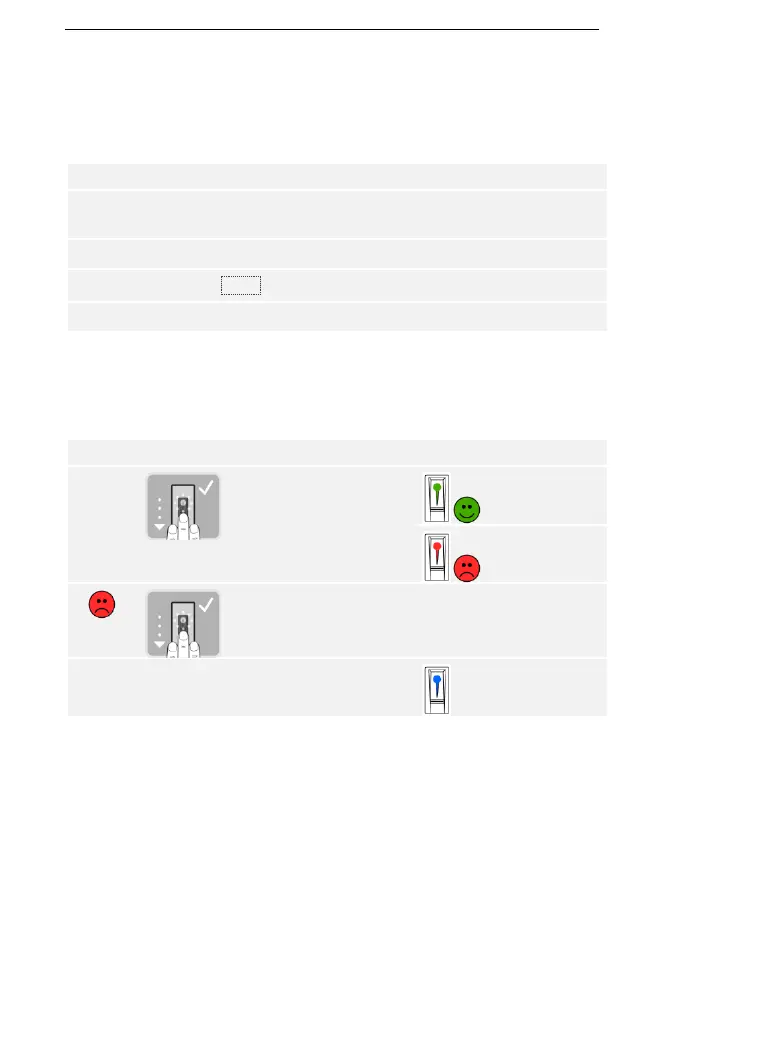
Using the finger scanner
The system is in normal mode.
Step
Action
Description
Display
1st
Swipe a stored finger
over the sensor.
The status LED
lights up green.
The status LED
lights up red.
The finger was not
recognized. Repeat step
1.
-
-
2nd
No action
required.
The door opens.
The status LED
lights up blue.
The system is in normal mode.
Opening a
door

Table of Contents

Related product manuals