34│en Usage of the finger scanner with the app
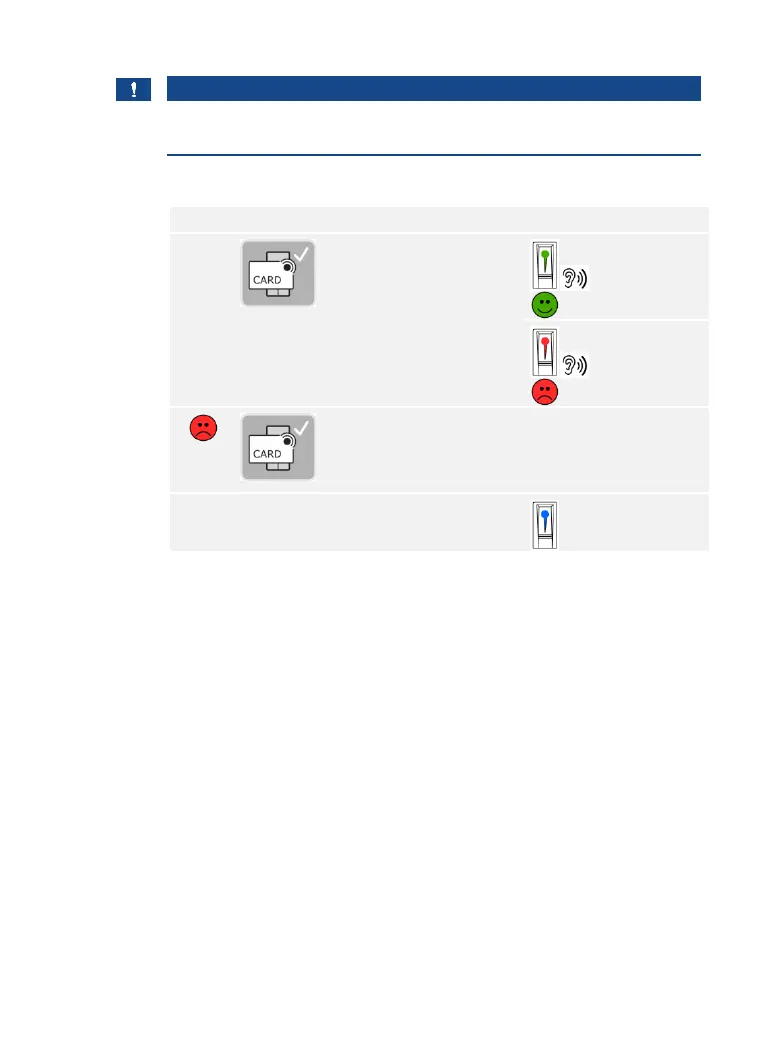
Using an RFID transponder
NOTICE
Only in the case of RFID finger scanners: You can only open a door
using an RFID transponder for finger scanners with an RFID function.
The system is in normal mode.
The system is in normal mode.
Using the digital input (request-to-exit button function)
You can also open the door using the request-to-exit button function of
the digital input on the ekey home control panel integra. The relay
switches for the defined relay switch duration. If the digital input is
enabled for longer than the defined relay switch duration, the relay
switches for as long as the digital input is enabled.



 To Next Page