Solution:
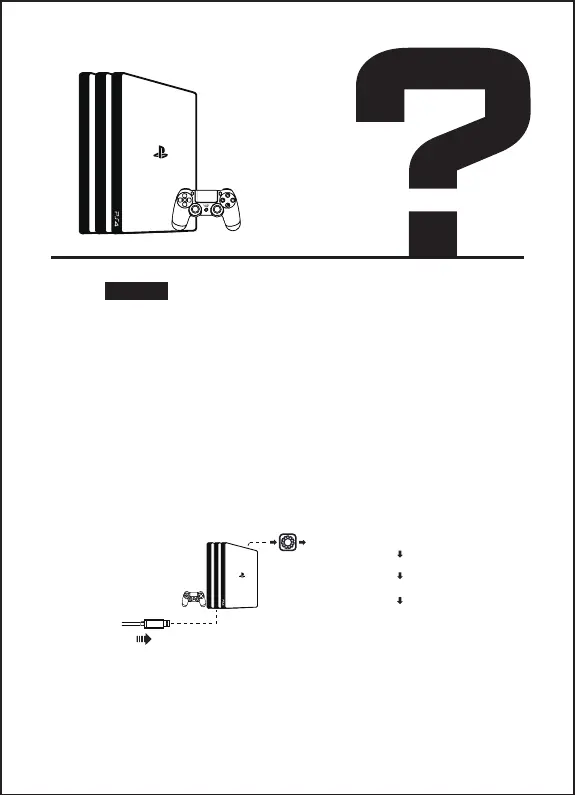
1. Open "Settings" in the main interface and find the
"Peripheral Equipment" option.
2. Open the "Audio Device" inside.
3. Turn on the "Output to Headphones" checkbox for all
audio and keep the status of "Automatically Switch Output
Device", then make sure that the sound output to the headset
is "all audio" instead of "chat audio"
4. Make sure the HDMI output is selected in the sound output
settings.
5. Video tutorial:
https://www.youtube.com/watch?v=7Dov7PD4ndA
How to Fix
Microphone/Headset
on PS4®
[Plug in USB interface]
[Setting-device-output]
[Out put to headphones]
[All audio]



 To Next Page