Solution:
How to set the sound
output on the PC/Mac?
For Windows PC/Laptop
Step 1:
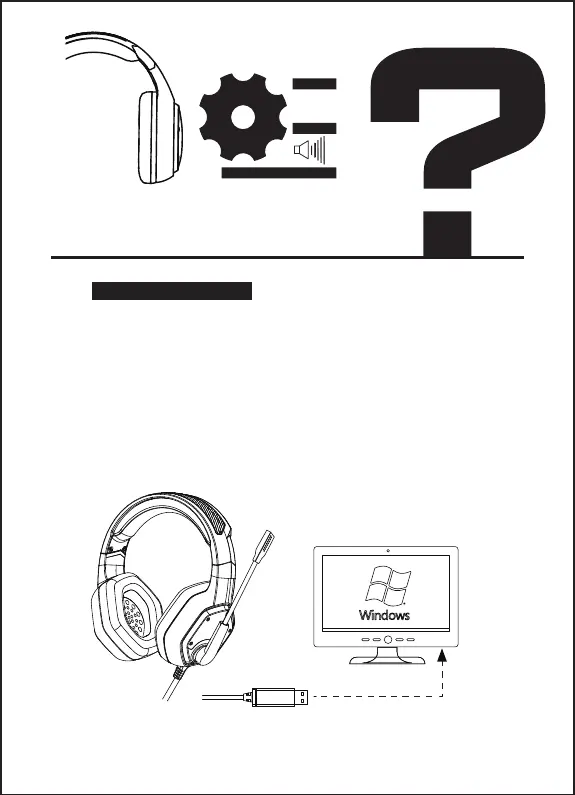
1. Insert the USB headset plug into the USB port on the Laptop.
2. Open your ''Sound'' settings from ''Control Panel'' andselect
''Hardware and Sound'' and then select ''Sound''. (You can also
right-click your sound icon on the system tray and select
Playback devices).
Step 2:
In the Playback tab, select ''USB Audio Devices'' from the
list and click ''Set as Default Device''.



 To Next Page