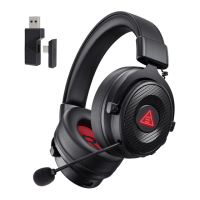
USB Sound Settings
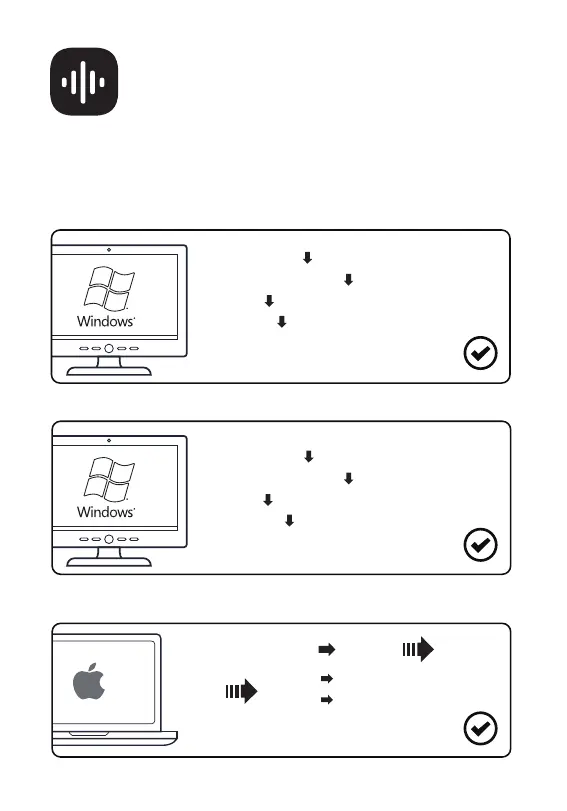
Follow the steps below to ensure your EKSA StarEngine Pro headset is
the default audio device.
6
Windows®:
Microphone Settings:
[Control Panel]
[Sound]
[Playback]
[EKSA StarEngine Pro (Set as Default Device)]
[Recording]
[Hardware and Sound]
[Control Panel]
[Sound]
[EKSA StarEngine Pro (Set as Default Device)]
[Hardware and Sound]
macOS:
[System Preferences] [Sound]
[Input] [EKSA StarEngine Pro]
[EKSA StarEngine Pro][Output]
AudioSettings:



 To Next Page