Need help?
Do you have a question about the EKSA Telecom H16 and is the answer not in the manual?
Port for charging the headset using a USB Type-C cable.
Button used to turn the headset on/off and control playback/calls.
Button to increase volume or skip to the next track.
Button to decrease volume or return to the previous track.
Button to mute or unmute the microphone.
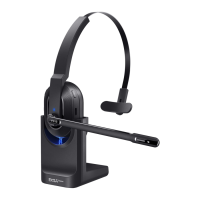
Light indicator showing the headset's operational status (e.g., power, pairing).
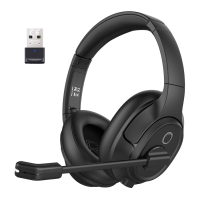
Adjustable microphone boom for optimal voice capture.
Opening for the microphone to capture sound.
Wireless adapter for connecting the headset to devices via USB.
Detachable earpiece covering for potential replacement or cleaning.
Cable used to charge the headset via its Type-C port.
Instructions for powering the headset on and off, including indicator light behavior.
Important notes regarding connecting to new devices, auto-reconnect, and clearing pairing records.
Steps for connecting the headset to a PC via the USB adapter and verifying connection status.
Guide to setting the headset as the default audio device in Windows Control Panel.
Guide to setting the headset as the default recording device in Windows Control Panel.
Guide to selecting the headset as the input and output device in macOS System Preferences.
Steps for connecting the headset to two devices simultaneously via Bluetooth.
Instructions for answering, hanging up, rejecting calls, and muting the microphone.
How to redial the last number and initiate voice commands (e.g., Siri/Amy).
Steps for handling three-way calls, answering new calls, and switching between calls.
How to play, pause music, and skip to previous or next songs using the headset.
Instructions for adjusting the headset volume using the dedicated buttons.
Details on low battery alerts, charging indicators, and fully charged status.
Troubleshooting steps for issues with microphone or headset sound output.
Troubleshooting steps for headsets that do not power on, work, or are not recognized.
Information regarding FCC rules, interference, and user modifications.
Information regarding Canadian Industry (IC) standards and RF exposure.
Details on the limited warranty and how to contact customer service.

 To Next Page
 General