EasyManua.ls Logo

ELCA AR MITO-MINI-915 - User Manual

Default Icon
30 pages
Print Icon
To Next Page IconTo Next Page
Loading...
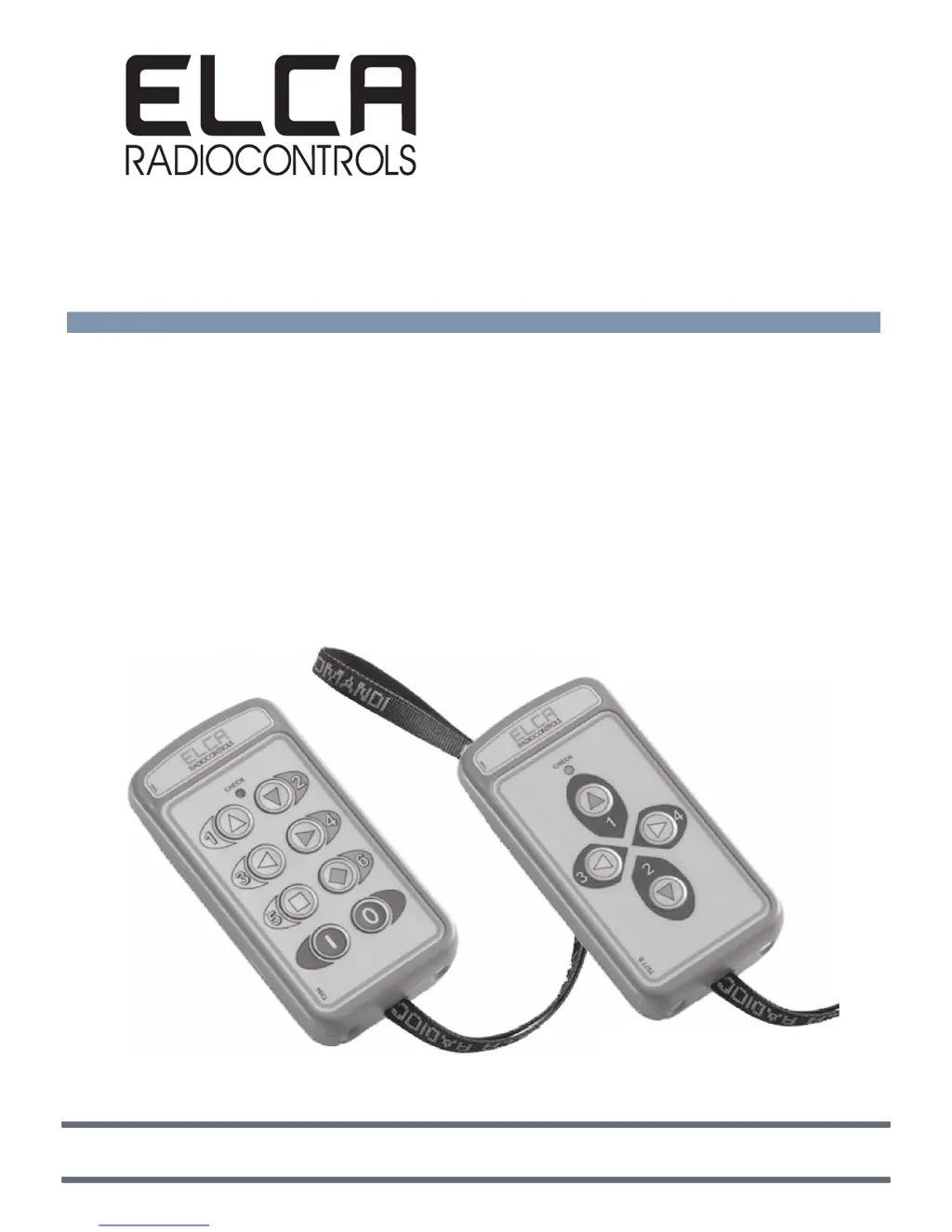
MITO
Industrial radio remote control
AT MITO-MINI-915
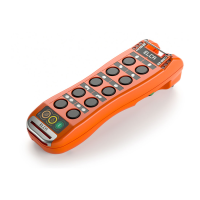
Transmitting Unit
AR MITO-MINI-915
Receiving Unit
ELCA S.r.l. Via del Commercio, 7/b - 36065 Mussolente (VI) ITALY
www.elcaradio.com tel. +39 0424 578500 fax +39 0424 578520
MULTI man MITO-MINI-915 04
0408MA000837
User manual

Questions and Answers

  • K
    Katrina WarrenAug 9, 2025
    What to do if ELCA AR MITO-MINI-915 Remote Control has repeated radio connection failures?
    • A
      amanda96Aug 9, 2025
      If you are experiencing repeated radio connection failures with your ELCA Remote Control, consider the following potential causes and solutions: Ensure the receiver is powered on, as receiver shutdown will cause the transmitter to switch off as well. Check the battery charge level. Verify the position and connection of the external antenna, if one is fitted. Also, check the system for proper installation, considering the receiving unit position and any metal obstacles. Finally, try changing the frequency.
  • K
    Kelly CoxAug 29, 2025
    What to do if one or more controls fail to actuate the corresponding movement on ELCA Remote Control?
    • C
      Christina WardAug 29, 2025
      If one or more controls on your ELCA Remote Control fail to actuate the corresponding movement, there are a few things you can check. First, inspect the fuse inside the receiving unit for any damage. Next, ensure that the receiver light corresponding to the command actuated from the transmitter turns on. Lastly, verify the wiring connections in the receiving unit.
  • S
    Scott CrossNov 17, 2025
    Why does my ELCA AR MITO-MINI-915 have a radio connection failure?
    • D
      Dwayne MarquezNov 18, 2025
      A radio connection failure in your ELCA Remote Control, where pressing Start in continuous transmission mode doesn't activate the connection, can occur due to several reasons. The battery might be flat, so recharge it. The transmitter and receiver might not be matched; in this case, you should perform the access code storage procedure, ensuring the serial numbers are correct for new systems. The system might be outside the operating range or improperly installed, so ensure the operating distance is within the allowed range and that the system has been installed correctly, checking for the receiving unit position and any metal obstacles. The receiver might be off or not working; power on the receiver. The PIN code might be active; unlock the PIN code. Finally, useful frequencies might be di...

Summary

Use Instructions

Instructions for Proper and Safe Use

Guides users on safe operation, handling, and precautions for the radio remote control.

Transmitting Unit AT MITO-MINI-915

Describes the features, configurations, and operation of the transmitting unit.

Receiving Unit AR MITO-MINI-915

Details the components, indicators, and features of the receiving unit.

Information for Proper Installation

Outlines recommendations for correct installation of the radio remote control system.

Programmable Functions

Frequency Range Programming

Details the procedure for setting the operating frequency group of the transmitter.

Battery Charger

Troubleshooting

Type of Trouble

Lists common problems, their possible causes, and suggested remedies.

Functional Testing of Transmitting Unit

Provides a flowchart for diagnosing issues with the transmitting unit.

Functional Testing of Receiving Unit

Offers a troubleshooting flowchart for the receiving unit.

ELCA AR MITO-MINI-915 Specifications

General IconGeneral
BrandELCA
ModelAR MITO-MINI-915
CategoryRemote Control
LanguageEnglish

Related product manuals