EasyManua.ls Logo

Eldes PITBULL ALARM PRO - User Manual

Eldes PITBULL ALARM PRO
68 pages
Print Icon
To Next Page IconTo Next Page
Loading...
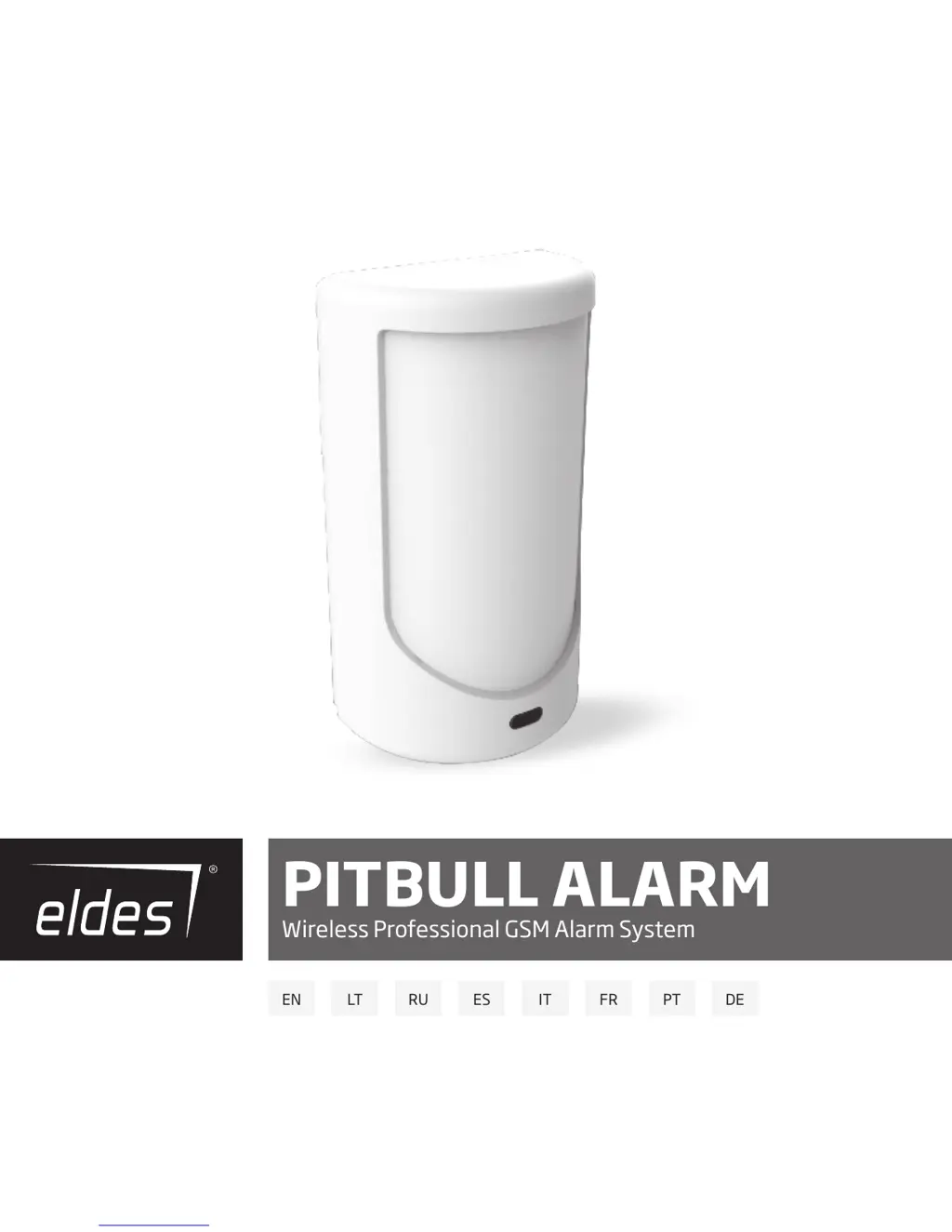
PITBULL ALARM
Wireless Professional GSM Alarm System
EN LT RU ES IT FR PT DE

Other manuals for Eldes PITBULL ALARM PRO

Questions and Answers

  • J
    James GravesAug 2, 2025
    Why doesn't my Eldes PITBULL ALARM PRO Security System send SMS or ring?
    • B
      benjamin42Aug 2, 2025
      If your Eldes Security System isn't sending SMS messages or making calls, it might be due to a few reasons. First, check if your SIM card account has run out of credit. Secondly, ensure that the SIM central number is correctly configured. A weak or absent network signal could also be the culprit. Lastly, verify that the user number is correctly programmed and that access from non-listed numbers hasn't been disabled.
  • M
    marcus32Aug 10, 2025
    Why does my Eldes PITBULL ALARM PRO send 'Incorrect Format' SMS text message?
    • K
      Kristin SingletonAug 10, 2025
      If you're receiving an 'Incorrect Format' SMS text message from your Eldes Security System, it could be due to several reasons. Check for wrong syntax or incorrect spacing in your SMS commands. Also, ensure that you've changed the manufacturer's default password. Finally, verify that the NR1 user has been properly programmed.
  • L
    lperezAug 18, 2025
    How to fix an ELDES wireless device not recognized by PITBULL ALARM PRO?
    • S
      stephanie05Aug 18, 2025
      If your PITBULL ALARM PRO isn't recognizing an Eldes wireless device, it could be due to a couple of things. Either the wireless mode is disabled (refer to the ELDES Configuration software to enable it), or the wireless device's battery is dead or the device is switched off.
  • J
    Jennifer HebertAug 26, 2025
    Why is the lens indicator OFF on my Eldes PITBULL ALARM PRO Security System?
    • S
      Sean DavidsonAug 26, 2025
      If the lens indicator on your Eldes Security System is off, it could be due to a few reasons: * There might be no mains 230V power. * The power supply connector could be unplugged. * The signal might be too weak or out of coverage.

Summary

Protecting Your Home & Property

Where and How to Use the Alarm System

Explains the system's purpose and features for home protection and remote control.

Technical Specifications

Components of the PITBULL ALARM Security System

7-Step Start Guide

Overview

Introduces the 7-step process for quickly installing the PITBULL ALARM system.

Safety Instructions

Terms of Use

Technical Support

Warranty Procedures

Manufacturer Warranty

Details the limited warranty provided by ELDES for its products.

Limited Liability

States the limitations of ELDES, UAB's liability regarding the system's use and potential damages.

Consumer Protection Laws

Clarifies that warranty benefits are in addition to consumer protection laws.

Eldes PITBULL ALARM PRO Specifications

General IconGeneral
GSM bands850/900/1800/1900 MHz
Operating Frequency868 MHz
InstallationDIY or professional installation
Maximum current consumption500 mA
Alarm TypeWireless
Battery BackupYes (Rechargeable Battery)
ConnectivityGSM, Wi-Fi
Mobile App SupportYes
SensorsMotion, Door/Window, Smoke, Flood
Remote ControlYes (via Mobile App, Key Fob)
SirenBuilt-in siren

Related product manuals