EasyManua.ls Logo

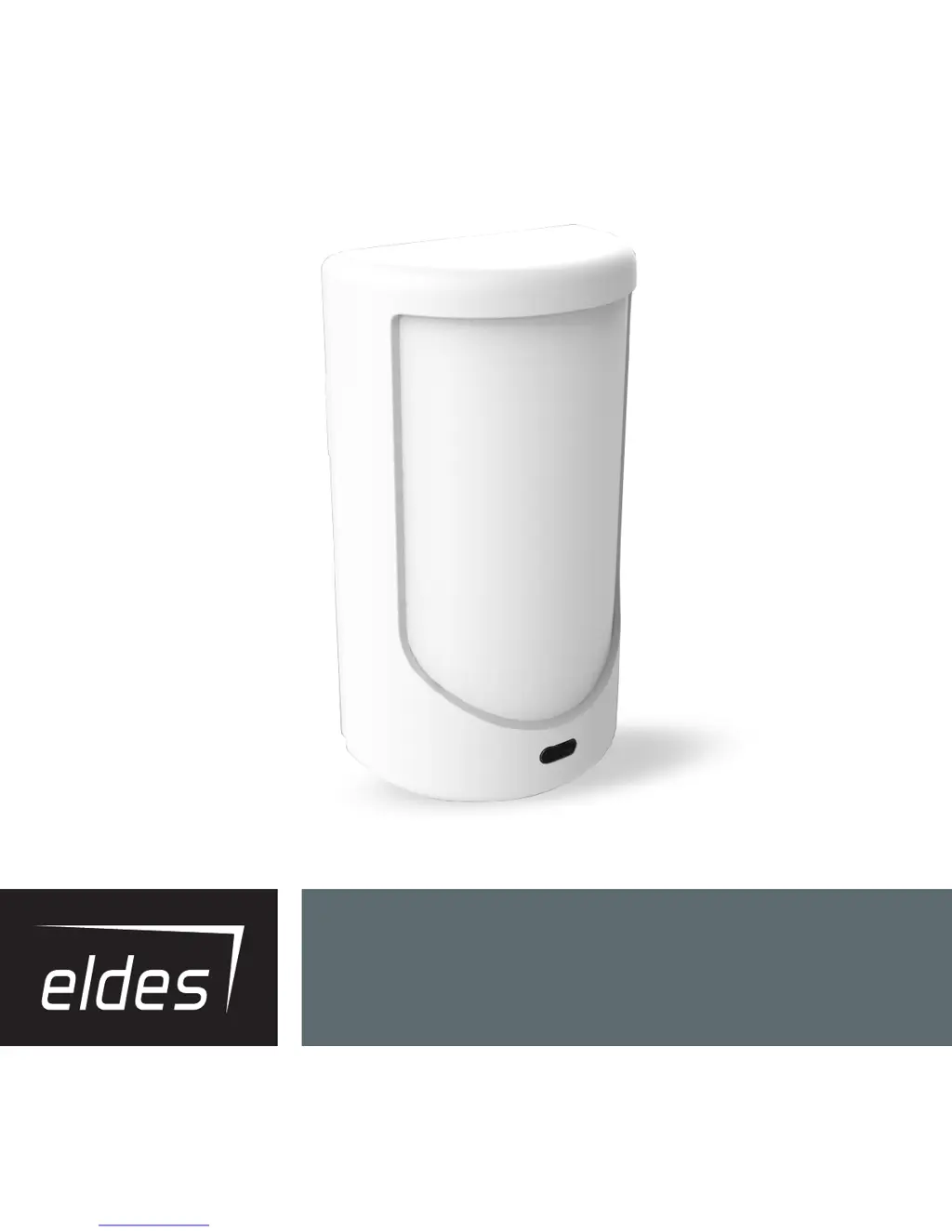
Eldes EPIR3 - User Manual

Eldes EPIR3
124 pages
Print Icon
To Next Page IconTo Next Page
Loading...
EPIR3GSM Alarm System

Table of Contents

Questions and Answers

  • K
    Katie ThomasAug 2, 2025
    Why my Eldes EPIR3 Security System does not send SMS text messages or ring?
    • H
      Heather JohnsonAug 2, 2025
      Your Eldes Security System might not be sending SMS messages or making calls due to several reasons: * The SIM card account may be depleted. * The SIM central number might be incorrect. * There might be no network signal. * The user number might not be programmed, or access from unprogrammed numbers could be disabled.
  • L
    logan67Aug 7, 2025
    What does “Incorrect Format” mean when I receive a SMS text message from my Eldes EPIR3 Security System?
    • E
      Emily WelchAug 7, 2025
      If you receive an SMS text message with the message “Incorrect Format” from your Eldes Security System, it could be due to: * Wrong syntax in the SMS command. * Incorrect spacing in the SMS message. * The manufacturer default password not being changed. * The NR1 user not being programmed.
  • M
    Michelle IbarraAug 13, 2025
    How to fix if my Eldes EPIR3 lens indicator is off?
    • E
      Eric ThompsonAug 13, 2025
      If the lens indicator on your Eldes Security System is off, check the following: * Ensure there is mains 230V power. * Verify the power supply connector is plugged in. * Confirm the signal is not too weak or out of coverage.
  • C
    cgrahamAug 19, 2025
    Why my existing EPIR3 Eldes Security System does not recognise an ELDES wireless device?
    • S
      Sara TaylorAug 20, 2025
      Your EPIR3 Eldes Security System may not recognize an ELDES wireless device because: * Wireless mode is disabled. To enable it, use the ELDES Configuration Tool software. * The wireless device battery is out of energy, or the device is not switched ON.
  • A
    aliciasmithAug 26, 2025
    What to do if some users are not getting arm-disarm or alarm notifications from my Eldes EPIR3 Security System?
    • D
      Derrick PetersonAug 26, 2025
      If some users aren't receiving arm-disarm or alarm notifications from your Eldes Security System: * Be aware that configuring your EPIR3 by SMS text message limits the user options available compared to using the Configuration Tool. * Review the system settings using the Configuration Tool to get a complete view of settings for individual users.

Summary

EPIR3 System Overview and Components

Technical Specifications

Detailed technical parameters of the EPIR3 alarm system.

Components of the EPIR3 security system

Identification and description of all physical parts of the EPIR3 system.

EPIR3 Installation and Basic Operation

7-STEP START GUIDE

A concise 7-step guide for initial EPIR3 system setup.

QUICK START GUIDE

Comprehensive guide for installing and operating the EPIR3 system.

How to arm and disarm the system

Instructions on arming and disarming the EPIR3 alarm system.

EPIR3 Configuration and Device Management

HOW TO MANAGE THE WIRELESS DEVICES

Guide to pairing, removing, and managing wireless devices for EPIR3.

HOW TO PROGRAM THE SYSTEM USING YOUR MOBILE PHONE

Programming the EPIR3 system using SMS text messages.

HOW TO PROGRAM THE SYSTEM USING EKB3 W WIRELESS KEYPAD

Configuring the EPIR3 system via the EKB3W wireless keypad.

EPIR3 Advanced Features and Troubleshooting

TROUBLESHOOTING

Solutions for common EPIR3 system faults and issues.

Monitoring station

Configuration for reporting events to a central monitoring station.

System configuration using ELDES Configuration Tool software

Configuring the EPIR3 system using the ELDES Configuration Tool software.

Eldes EPIR3 Specifications

General IconGeneral
BrandEldes
ModelEPIR3
CategorySecurity System
LanguageEnglish

Related product manuals