116
116 EN
EPIR3 User Manual v1.3
7.16. ELDES Cloud Services
ELDES Cloud Services is a cloud-based platform providing a user-friendly graphical interface intended for system
status monitoring and control:
• Arm/disarm the system
• View system faults and alerts
• Monitor GSM signal strength, backup battery level and temperature
• Control electrical appliance connected to the PGM outputs
The connection with the platform can be established either via GPRS network and can be accessed via web
browser and smart-phone application developed for Android and iOS-based devices (iPhone, iPad).
In order to start using ELDES Cloud Services platform, please enable it using the following conguration me-
thods.
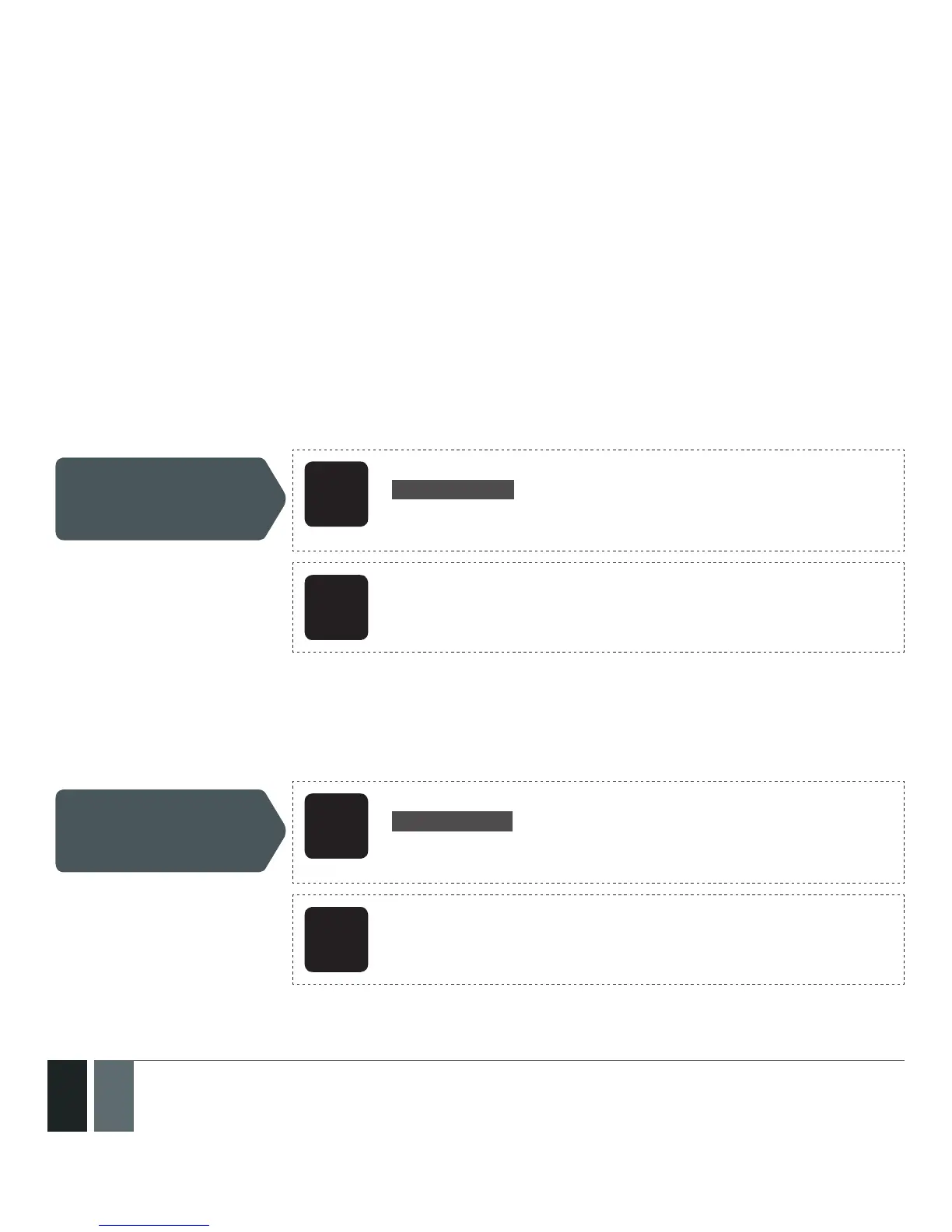
Enable ELDES Cloud
Services
SMS
SMS text message content:
ssss_SMART:ON
Value: ssss - 4-digit SMS password.
Example: 1111_SMART:ON
Cong
Tool
This operation may be carried out from the PC using the EL-
DES Conguration Tool software.
Once enabled, visit https://security.eldes.lt and create your personal account. Then log in to your ELDES Cloud
Services account and add a device by following the step-by-step instructions provided in ELDES Cloud Services
website. When adding the device to your account, you will be prompted for Cloud Services ID, which can be
obtained using ELDES Conguration Tool software or by sending the following SMS text message to the system’s
phone number.
Request ELDES Cloud
Services ID
SMS
SMS text message content:
ssss_SMART_ID
Value: ssss - 4-digit SMS password.
Example: 1111_SMART_ID
Cong
Tool
This operation may be carried out from the PC using the EL-
DES Conguration Tool software.



 To Next Page