85
85EN
EPIR3 User Manual v1.3
87
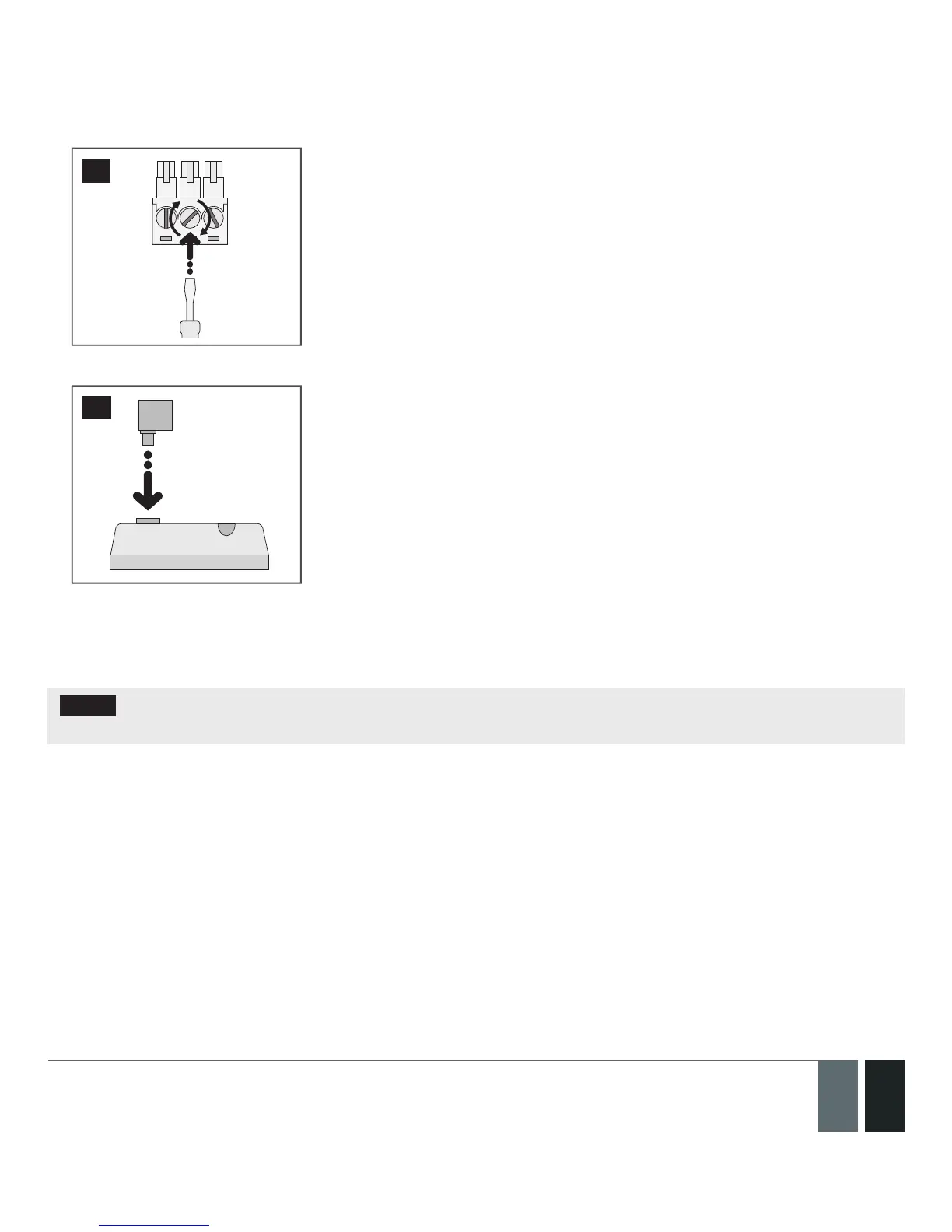
5. Insert back the terminal block.
88
5. Under Management → Settings section in ELDES Conguration Tool software, set the Output Mode as
Indicator and under the Output Indication column, enable the check-box (-es) corresponding to the desired
system conditions, e. g. System Armed check-box.
NOTE: The resistor and the LED indicator are NOT supplied with the EPIR3 system and are NOT mandatory to
use. Please, obtain these components from your local store if desired.
7.2. How to connect a sensor to the wired zone
EPIR3 system comes equipped with the wired zone, therefore you may wish to connect a wired sensor to your
system.



 To Next Page