84
84 EN
EPIR3 User Manual v1.3
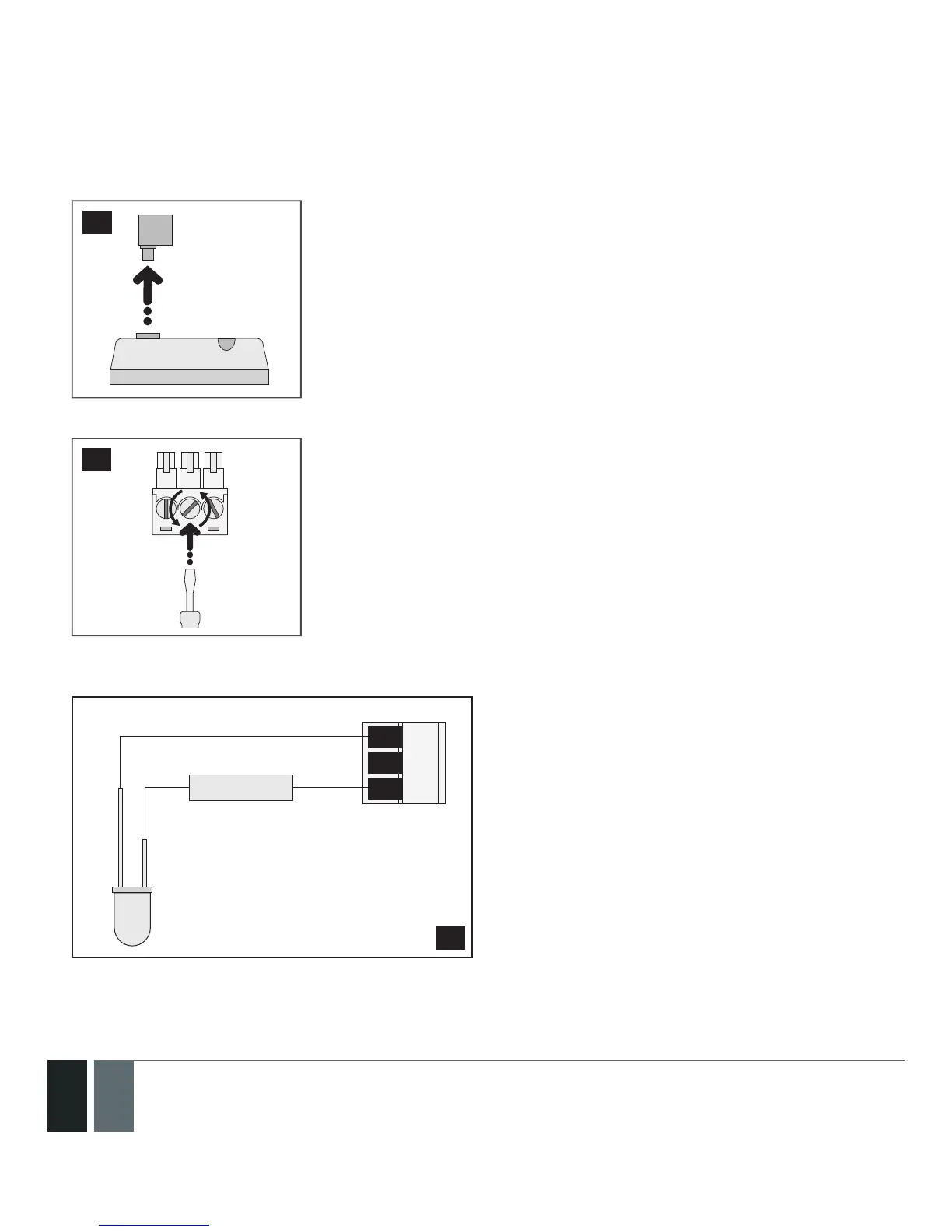
System condition indication by LED indicator
1. Remove the terminal block from the slot.
84
2. Loosen the screws of the terminals using a athead screwdriver.
85
3. Connect LED indicator’s anode lead (longer) to any of 1 k nominal resistor lead and to the BELL+ terminal,
while the cathode lead (shorter) to BELL - / COM terminal.
BELL- / COM
BELL+
Z2
LED
resistor 1 kΩ
86
4. Screw in the terminals.



 To Next Page