34
34 EN
EPIR3 User Manual v1.3
4. After the successful wireless device removal process, the stripe above the wireless device icon will turn red.
ATTENTION: In order to correctly remove the wireless device from the system, the user must restore the pa-
rameters of the wireless device to default afterwards. If this action is not carried out, the wireless device and the
system will attempt to exchange data to keep the wireless connection alive. This leads to fast battery power drain
on the battery-powered wireless device.
3.3. EKB3W wireless keypad overview
ATTENTION: The EKB3W commands provided in this user manual are intended for basic control of the EPIR3
system. For complete conguration and control using EKB3W, please refer to section 4.HOW TO PROGRAM
THE SYSTEM USING EKB3W WIRELESS KEYPAD.
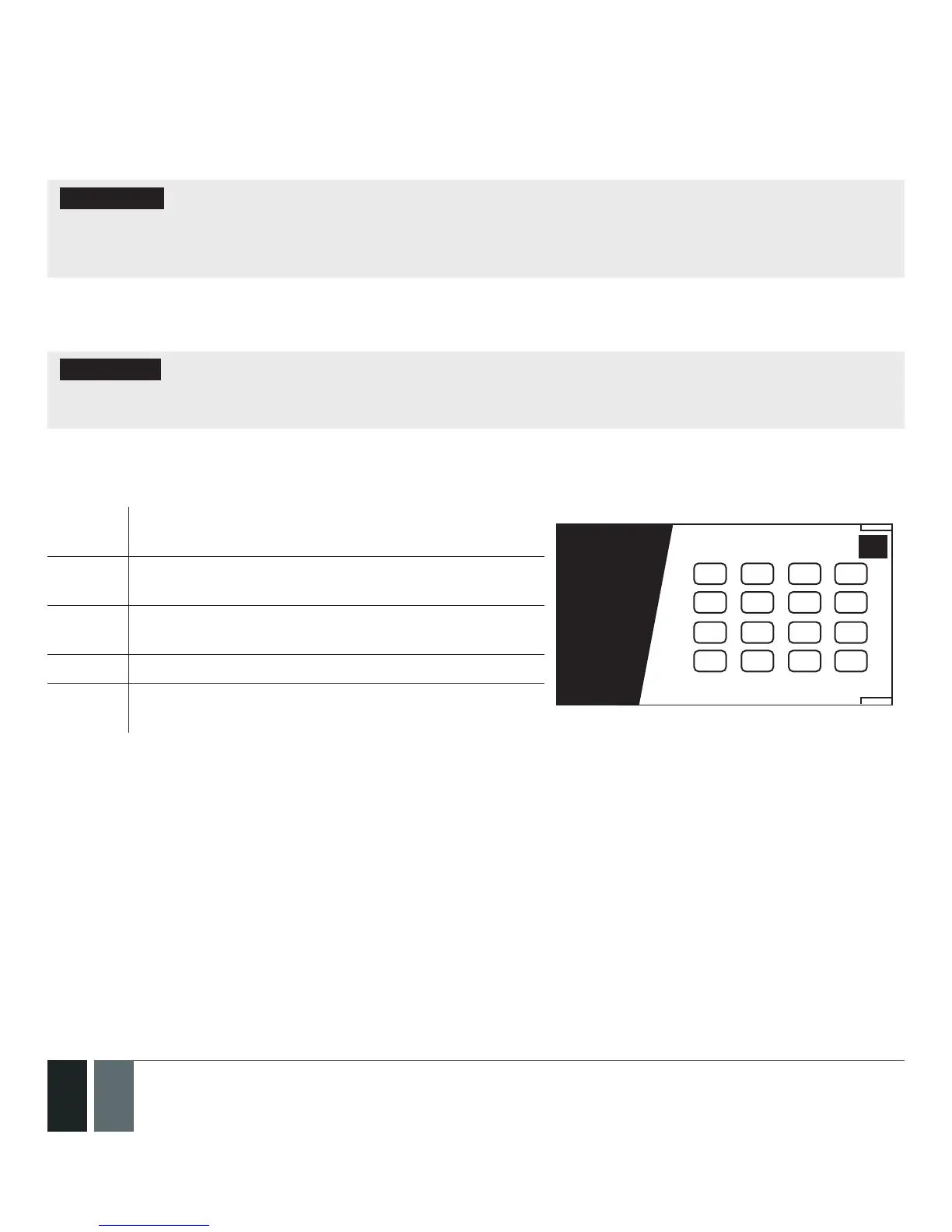
EKB3W is a wireless LED keypad intended for using with EPIR3 alarm system.
LED Functionality
ARMED Steady ON - Alarm system is armed / exit delay in
progress; ashing - Conguration mode activated
1 2 3
4 5 6
7
ARMED
READY
SYSTEM BYPS
A B
1
2
3
4
5
6
7
8
9
10
11
12
8 9
*
0 #
STAY
BYPS
INST
CODE
69
READY Steady ON - System is ready – no violated zones and
tampers
SYSTEM Steady ON - System faults; ashing - violated
high-numbered zones
BYPS Steady ON - Zone bypass mode
1-12 Steady ON - Violated zone / ashing - violated
tamper



 To Next Page